




Speak. It’s already written
Dictate and transcribe on your Mac, iPhone and iPad. Your audio never leaves them.

One purchase · No subscription · No account
Made for the Mac
Stays with you
Your everyday voice companion: a small window that floats over every app, on every Space. Dictate, then paste where you already are.
Your workflows
What if?
LocalScribe goes where your work already happens. Find yours.
If voice notes pile up
Drop that four-minute WhatsApp audio on the mini window. Seconds later it’s text, ready to use with your AI.
If you talk to your computer all day
Prompts, replies, emails: dictate them and paste them where you already are.

If your ideas come from videos
Saved a TikTok or a reel? Share it to LocalScribe or drop it on the mini window: you get every word, then the ideas worth keeping.
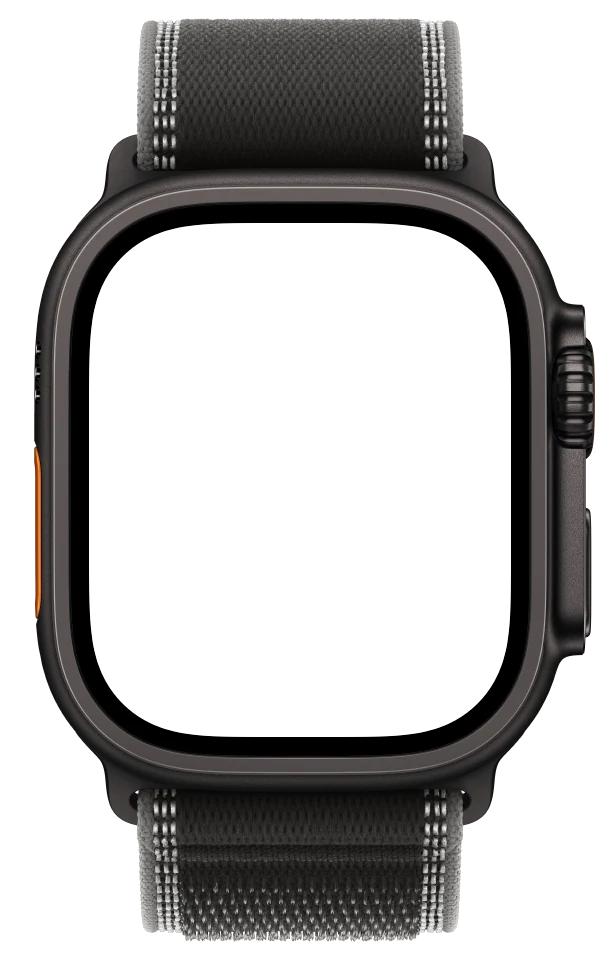
If ideas come on a walk
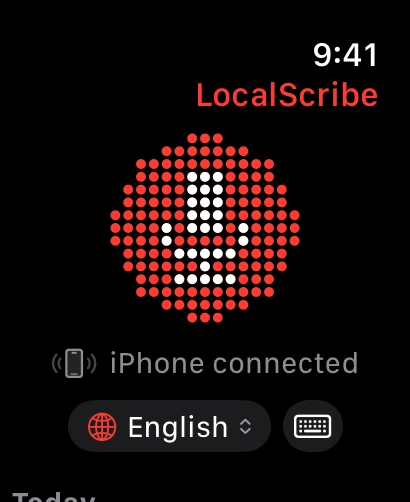
Tap your Watch and talk. Your iPhone turns it into text, and it’s on your Mac when you’re back.
If you think better out loud
Say the messy version. Format it gives it paragraphs, headings and lists.
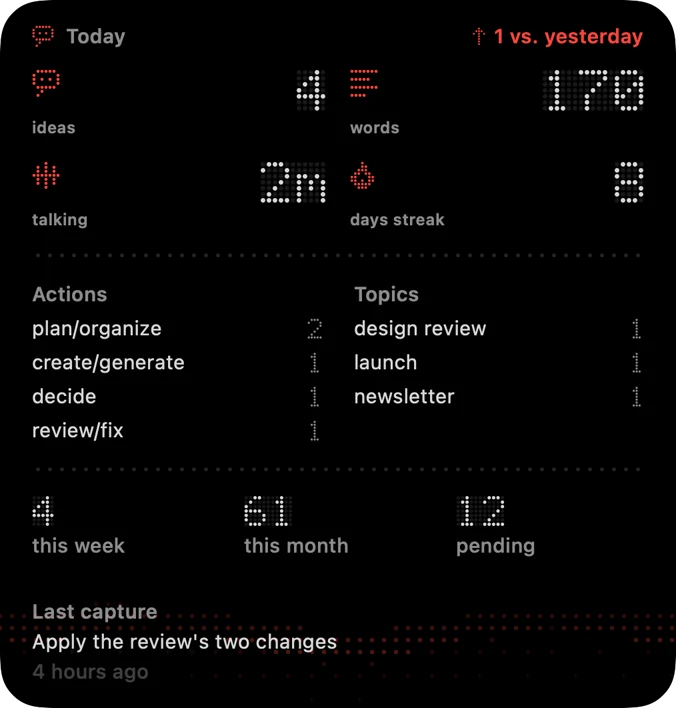
If you need to see your day
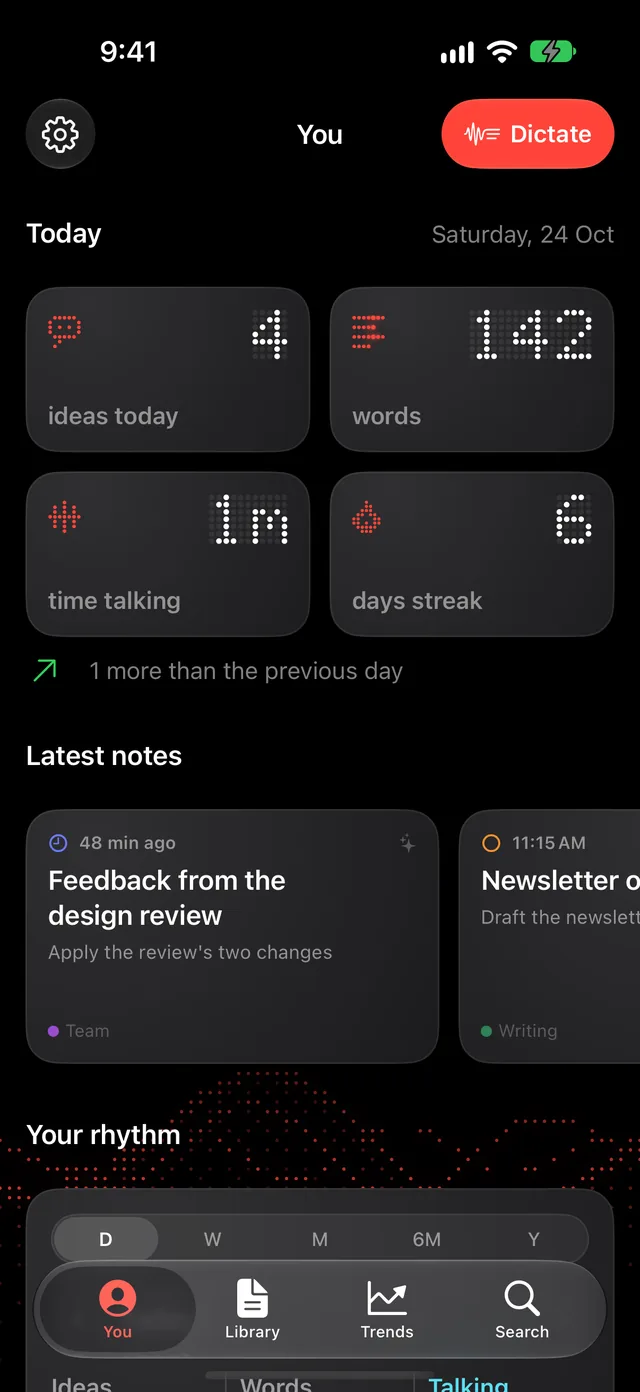
Ideas, words and minutes talking add up on their own, in the app and on your Home Screen.

MP3 · M4A · WAV · FLAC · OGG · OPUS · AIFF · MP4 · MOV · and more
Your data
The more you talk, the more you see
Every note counts: ideas, words, minutes talking and the hour they came. Nothing to fill in.
Day one. Already counted.
The redder the dot, the more notes that day
Your queue
Every note has a place
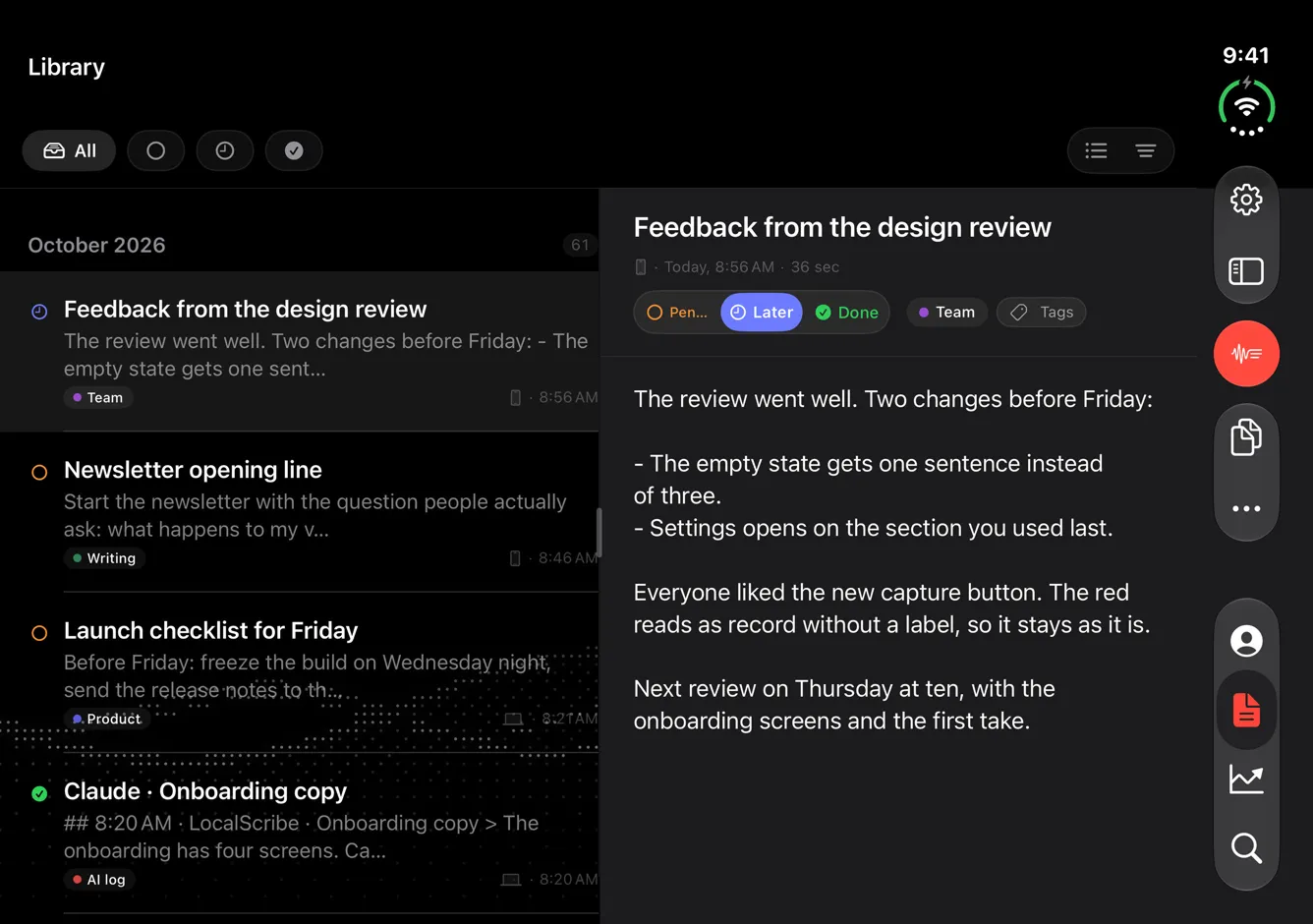
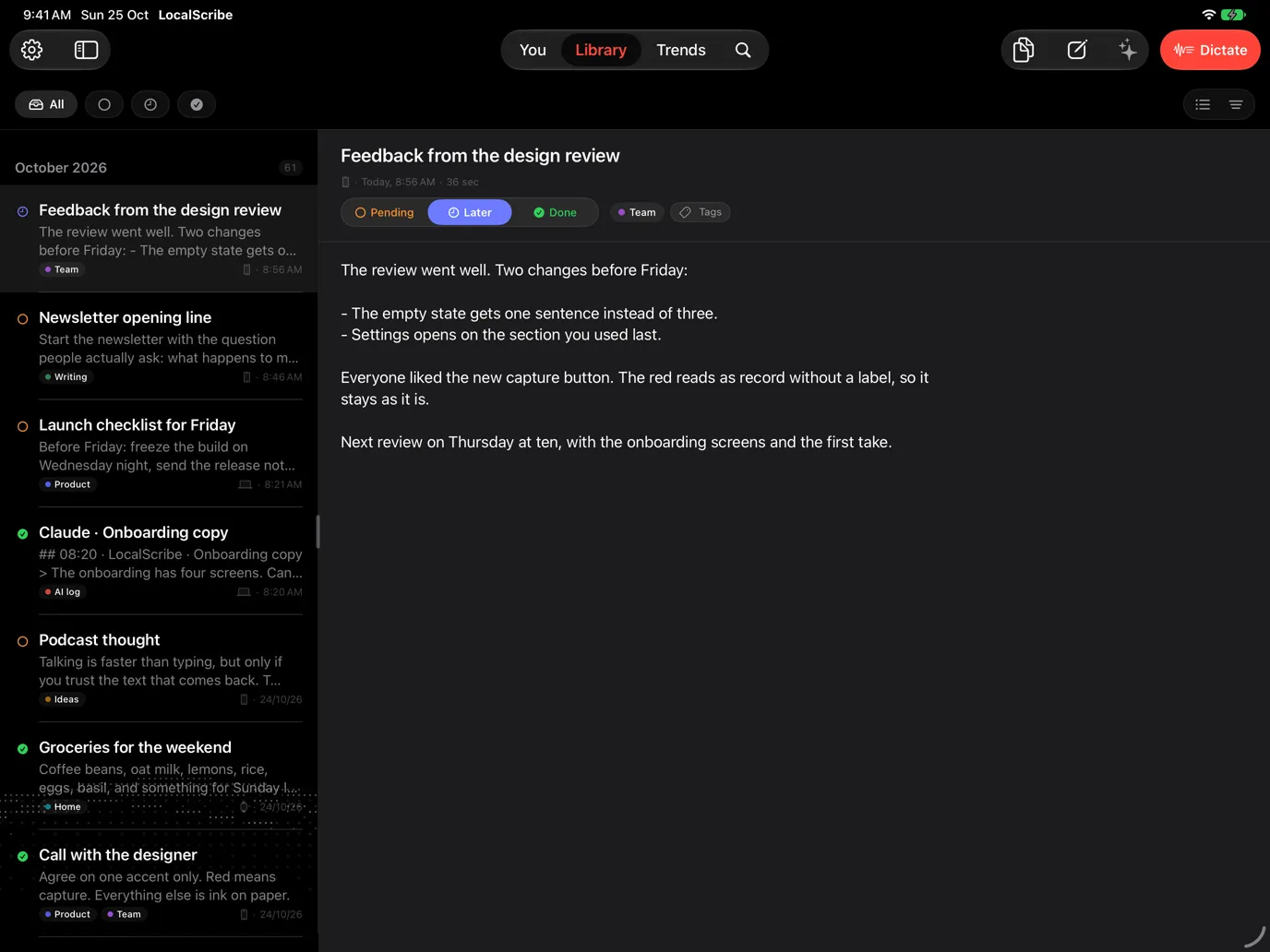
Notes are in transit: said here, used somewhere else. Three statuses keep track of where each one stands.
Not used yet
- Friday launch checklist
- Beta invite email
- Widget idea: show the queue
Parked
- Pricing page thoughts
- Interview notes · Sofía
Used or finished
- Feedback from the design review
Step 1 / 6
Every note starts as Pending. You dictate, it lands at the top of the queue: said, not used yet.
With Claude Experiment
Your Claude sessions, in your notes
Dictate your prompts. Every turn lands in LocalScribe and counts in your day.
See how it worksAlso
And so much more
public/media/watch/hero-watch.webpApple Watch
LocalScribe
One purchase, no subscription. Mac, iPhone, iPad and Apple Watch included.
Your audio never leaves your devices.