App Store screenshots
34 of 34 frames ready The real app in its landing demo mode, captured at native size. The app ships in English, so both languages use the English take and only the headline changes. The lens sits on the control the app measured; the headlines are the landing’s. Numbered frames export at Apple’s exact size. Nothing here is uploaded.
Status
34 of 34 frames ready Per device. A frame is ready when its still is in measure and approved; the rest says who it waits for. iPhone 6.9″ · portrait
Store sequence 1320 × 2868 · 1206 × 2622 · 1320×2868, 1290×2796, 1260×2736 or 1206×2622 · 10 to export iPhone 18 Pro simulator, demo data, 9:41, dark (light ready too). The first three show in search without scrolling: the thesis, the tools, the queue. 01 and 02 wait for a take with words on the page.
iphone-6.9 1320×2868 · Dynamic Island, large display. Optional. iphone-6.3 1206×2622 · Dynamic Island, medium display. The one Apple requires: the same frame, rescaled.
Dictate
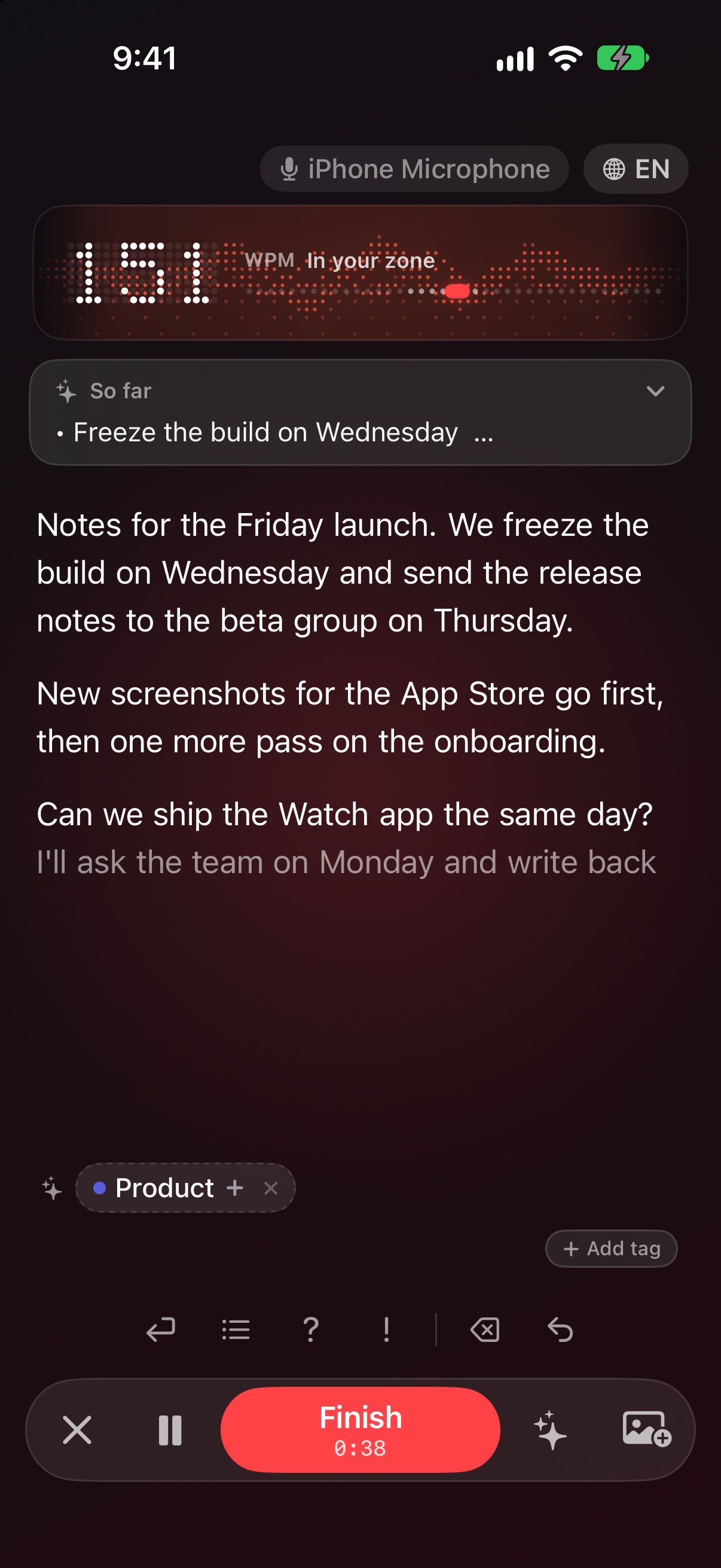
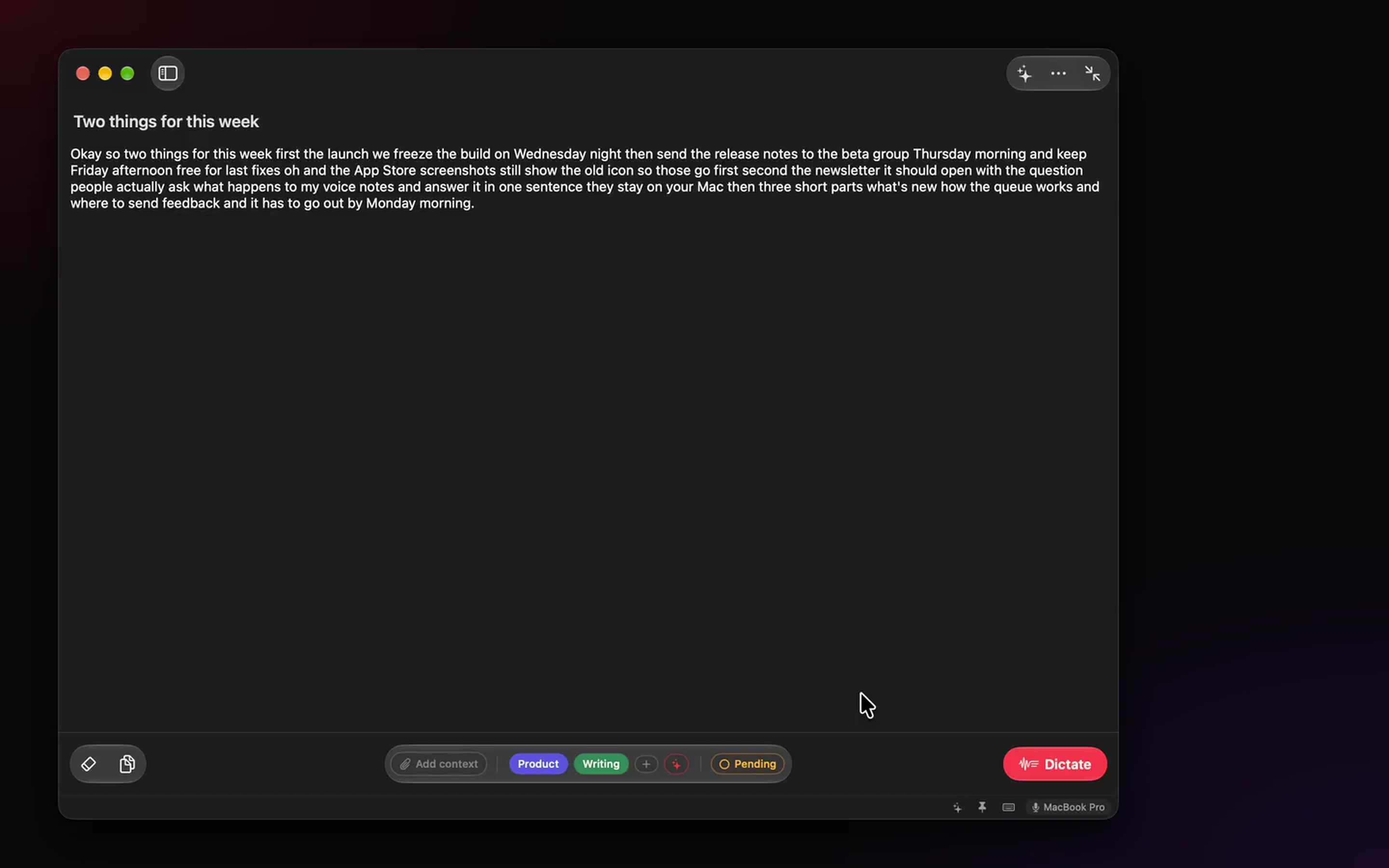
Speak. It’s already written Dictation and transcription that run on your iPhone, iPad and Mac. No cloud, no account.
capture · 011320×2868 ↗ /appstore/iphone/en/capture.jpg · 1206×2622 · in measure
The landing’s thesis as the first line. No lens: the words appearing are the hook.
While you talk
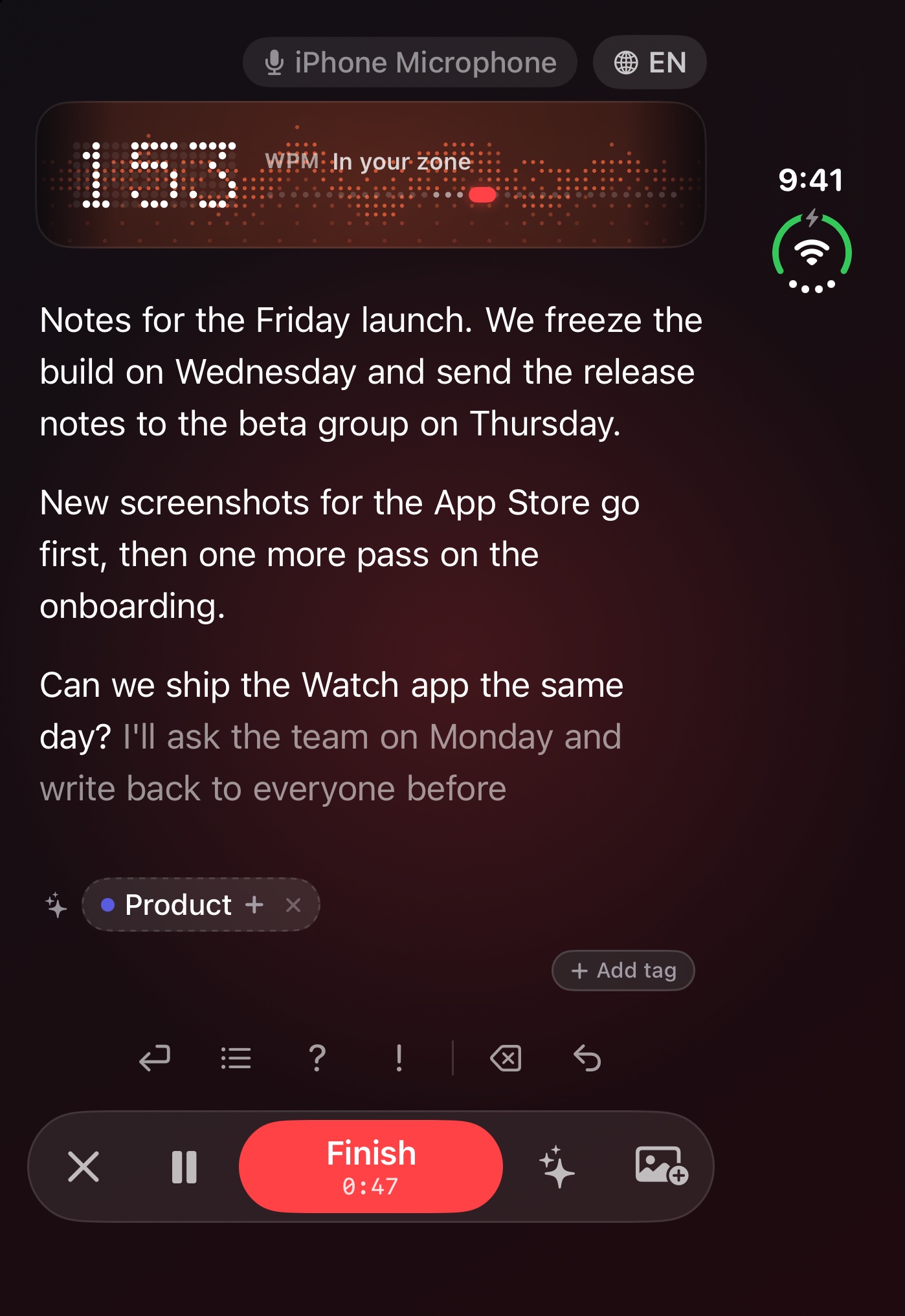
A new paragraph, a list, a question. Without stopping New paragraph Question Erase word List Exclamation Undo capture · 061320×2868 ↗ /appstore/iphone/en/capture.jpg · 1206×2622 · in measure
The same take as 01 with the toolbar’s keys named: New paragraph, List, Question, Exclamation, Erase word, Undo. The points come from the app (`recorrido` in capture.json).
In transit
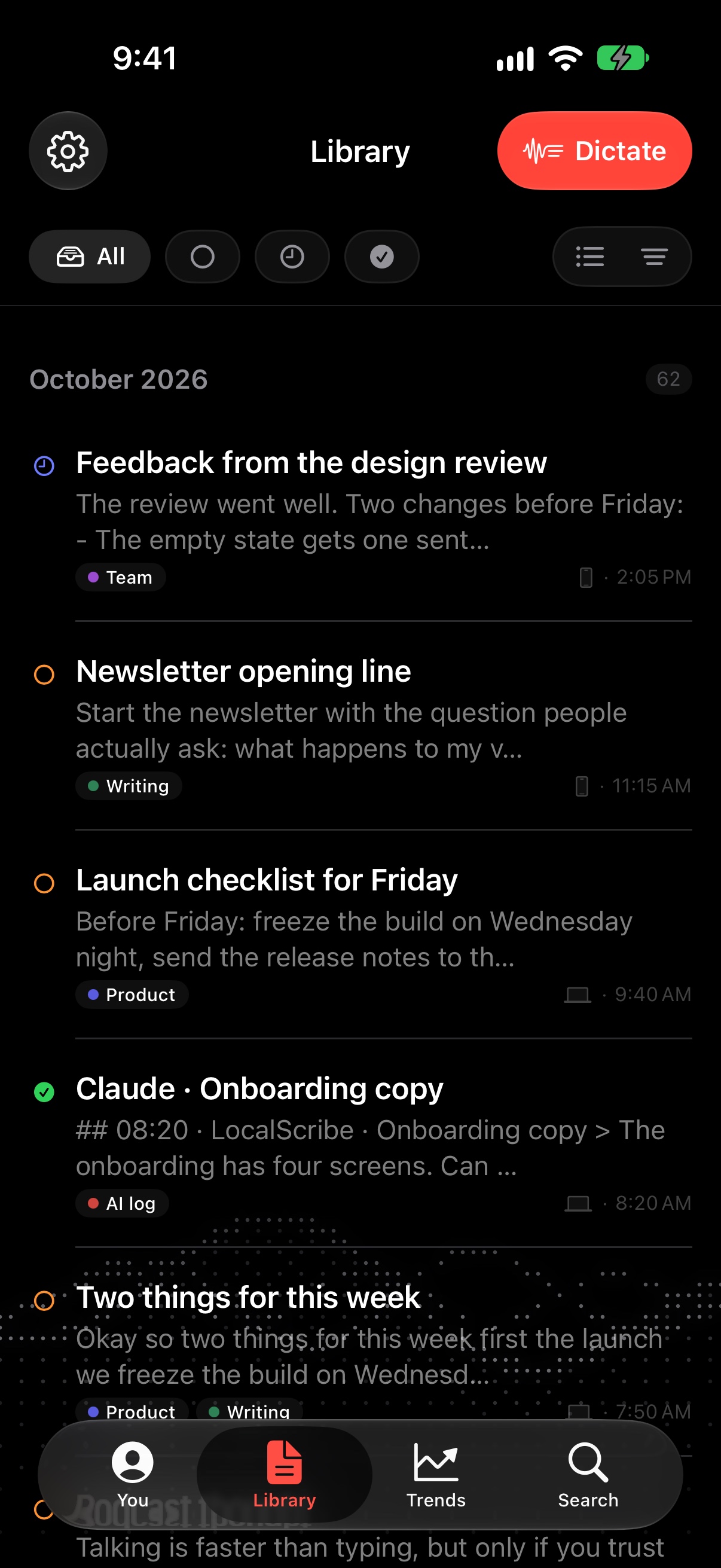
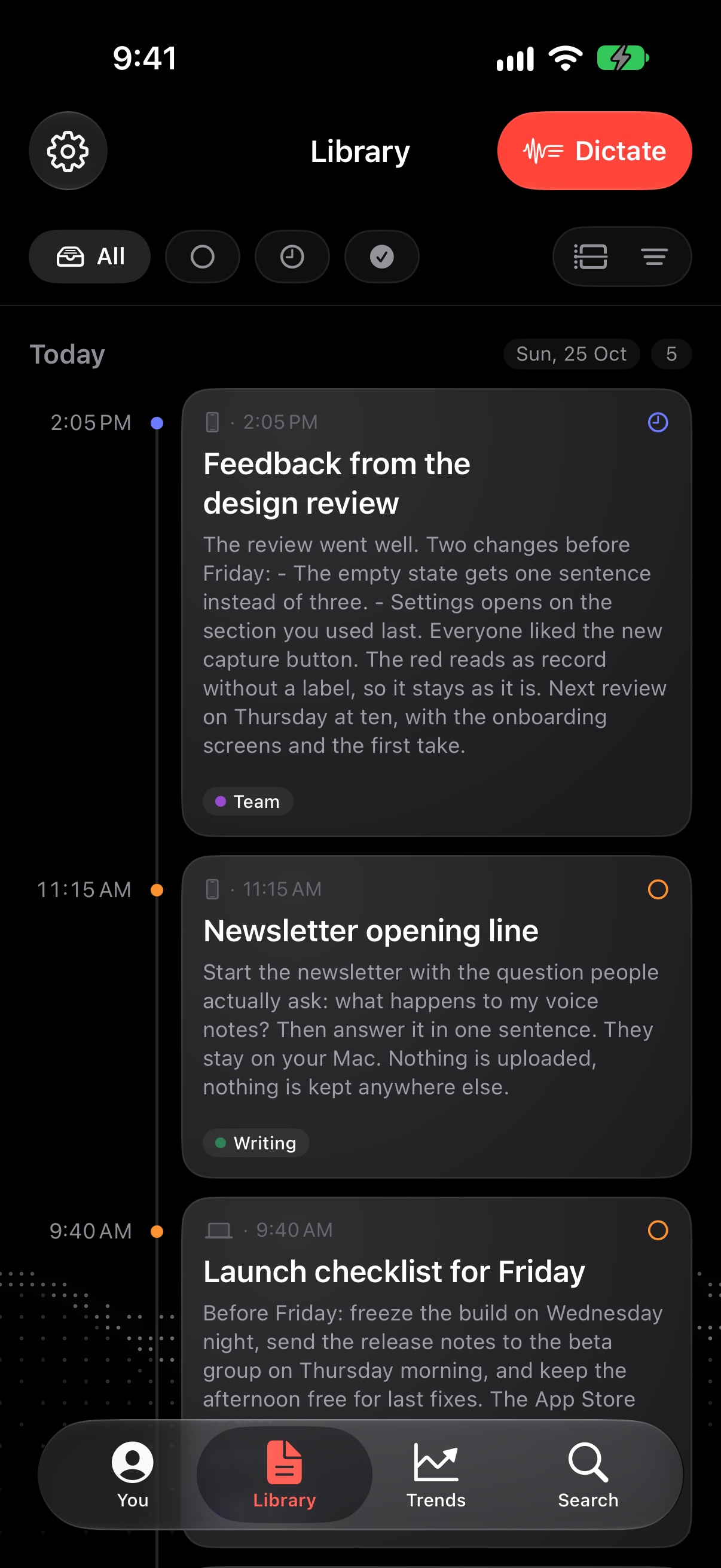
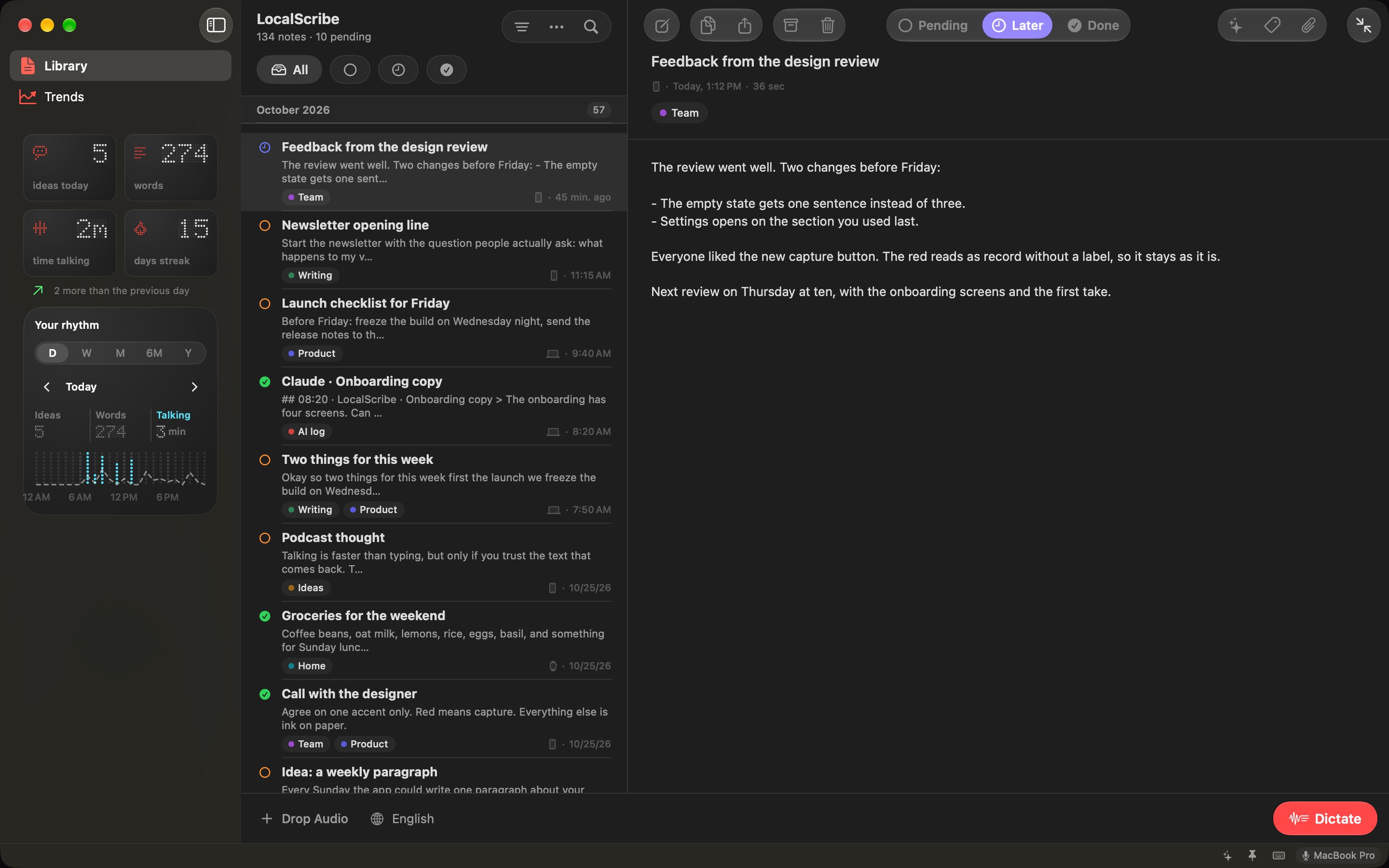
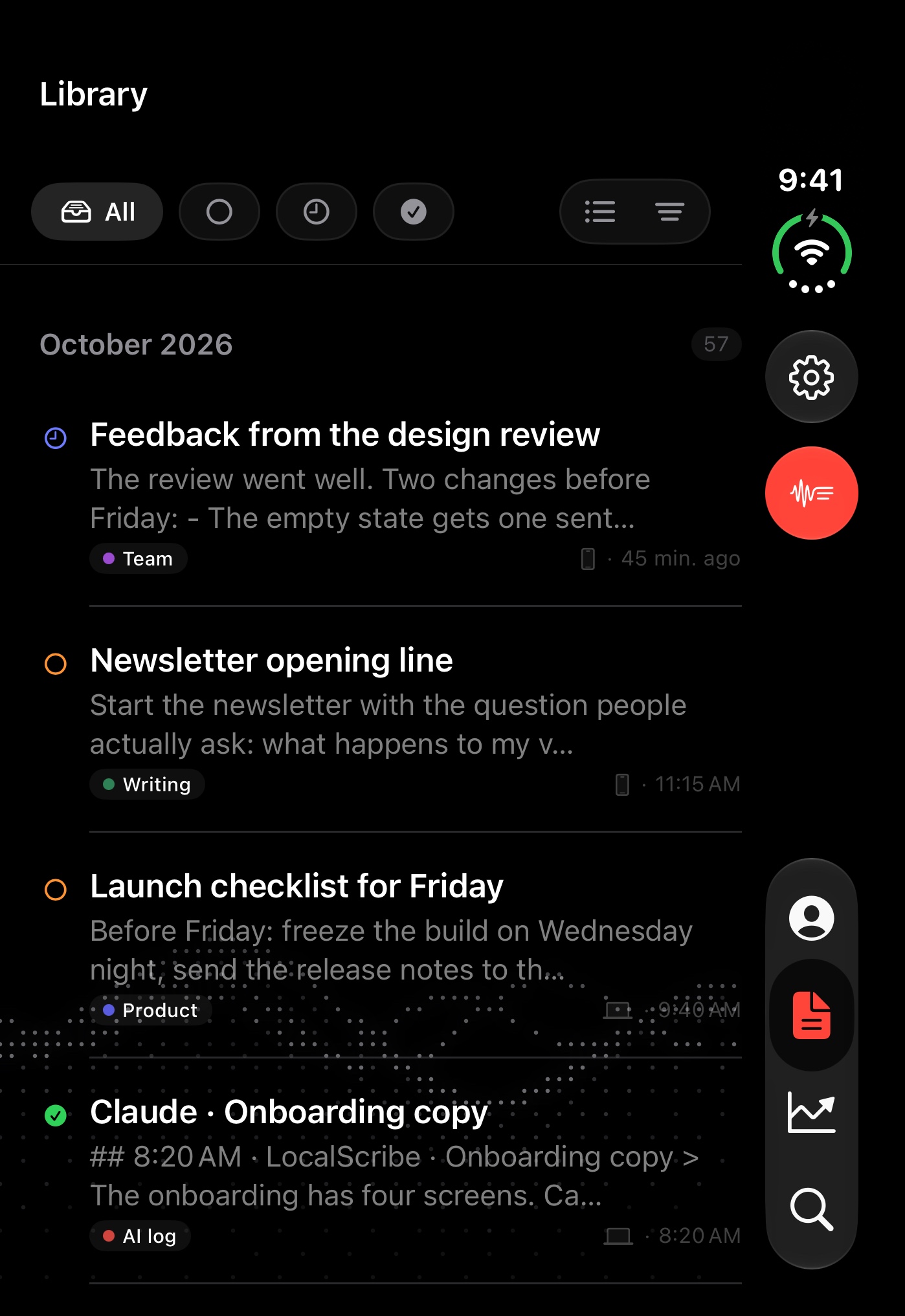
Every note says what’s still to use library · 041320×2868 ↗ /appstore/iphone/en/library-list.jpg · 1206×2622 · in measure
Ring on the status capsules (All · Pending · Later · Done): the queue is the app’s core idea.
Your note
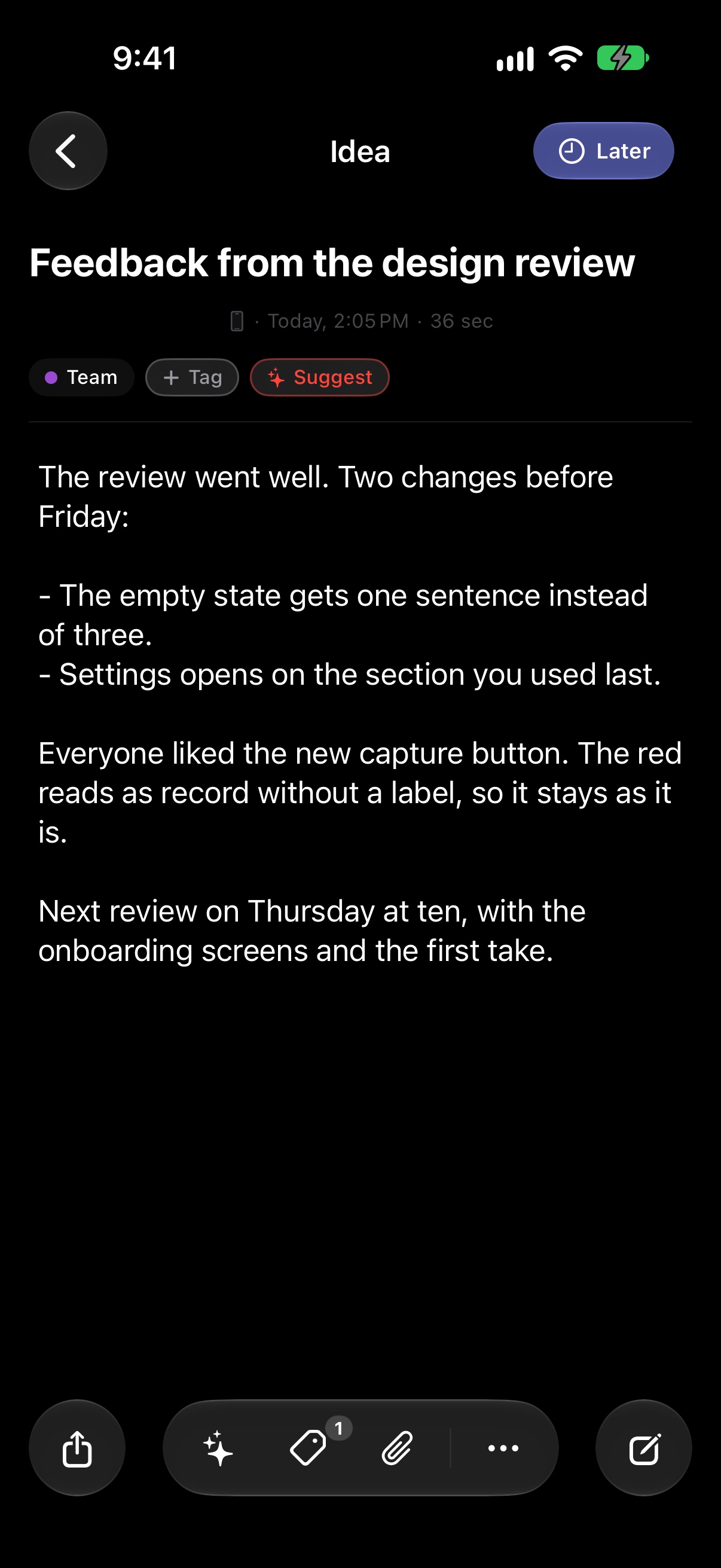
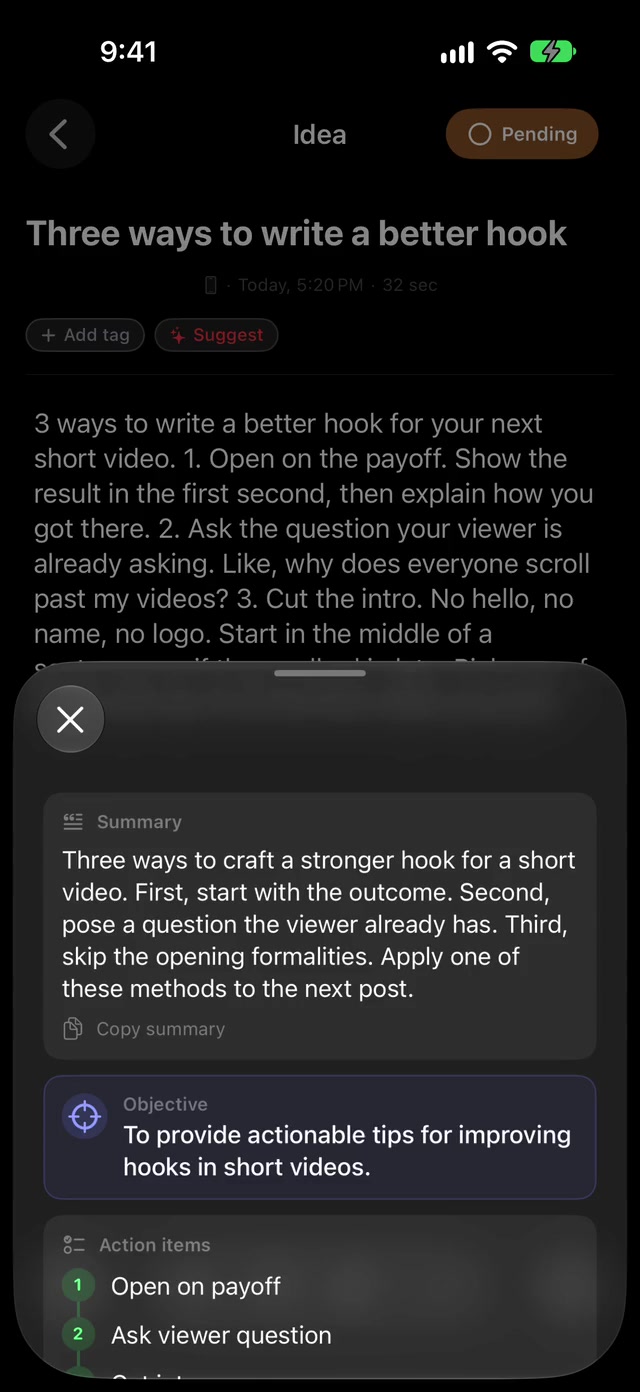
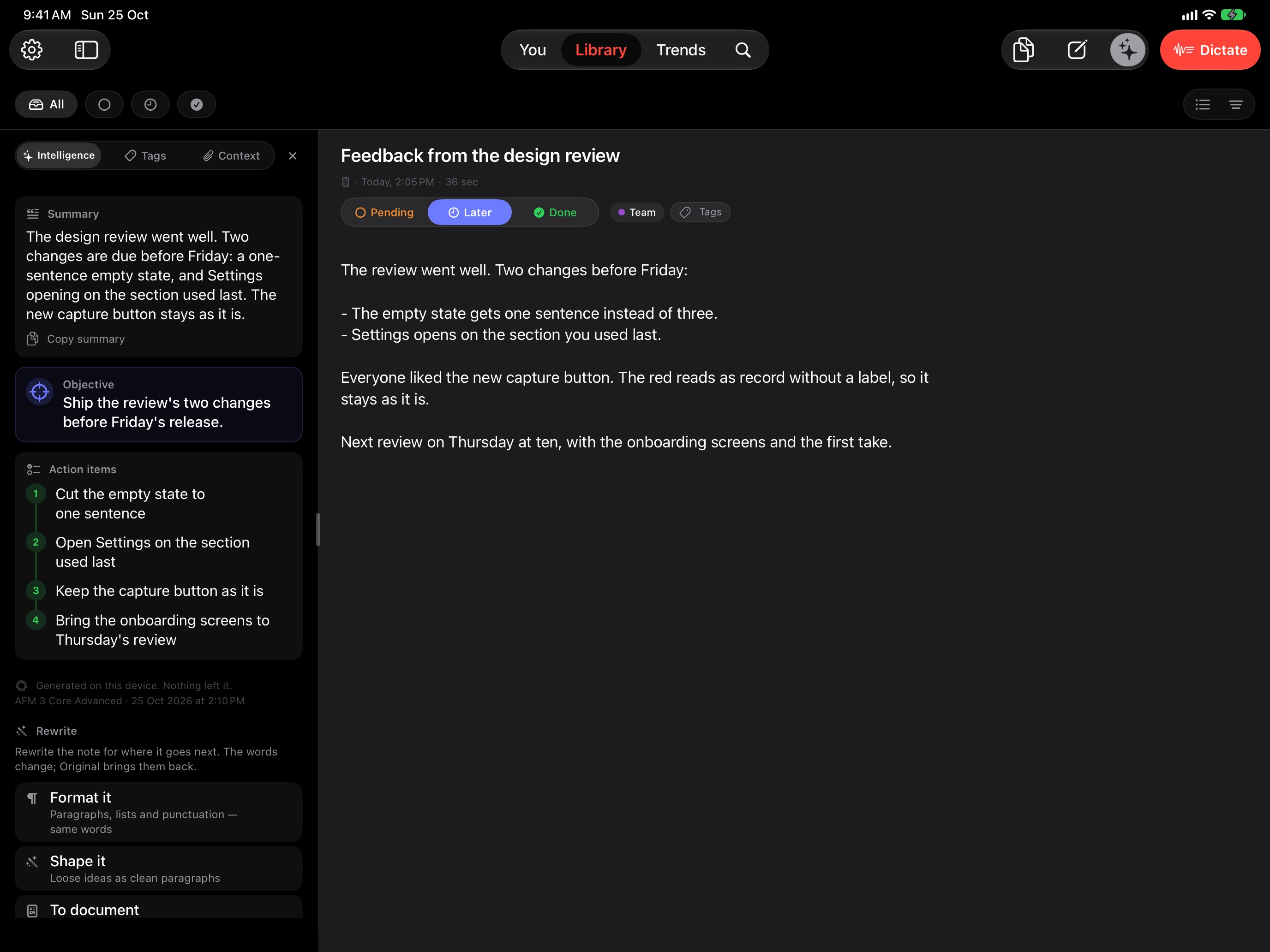
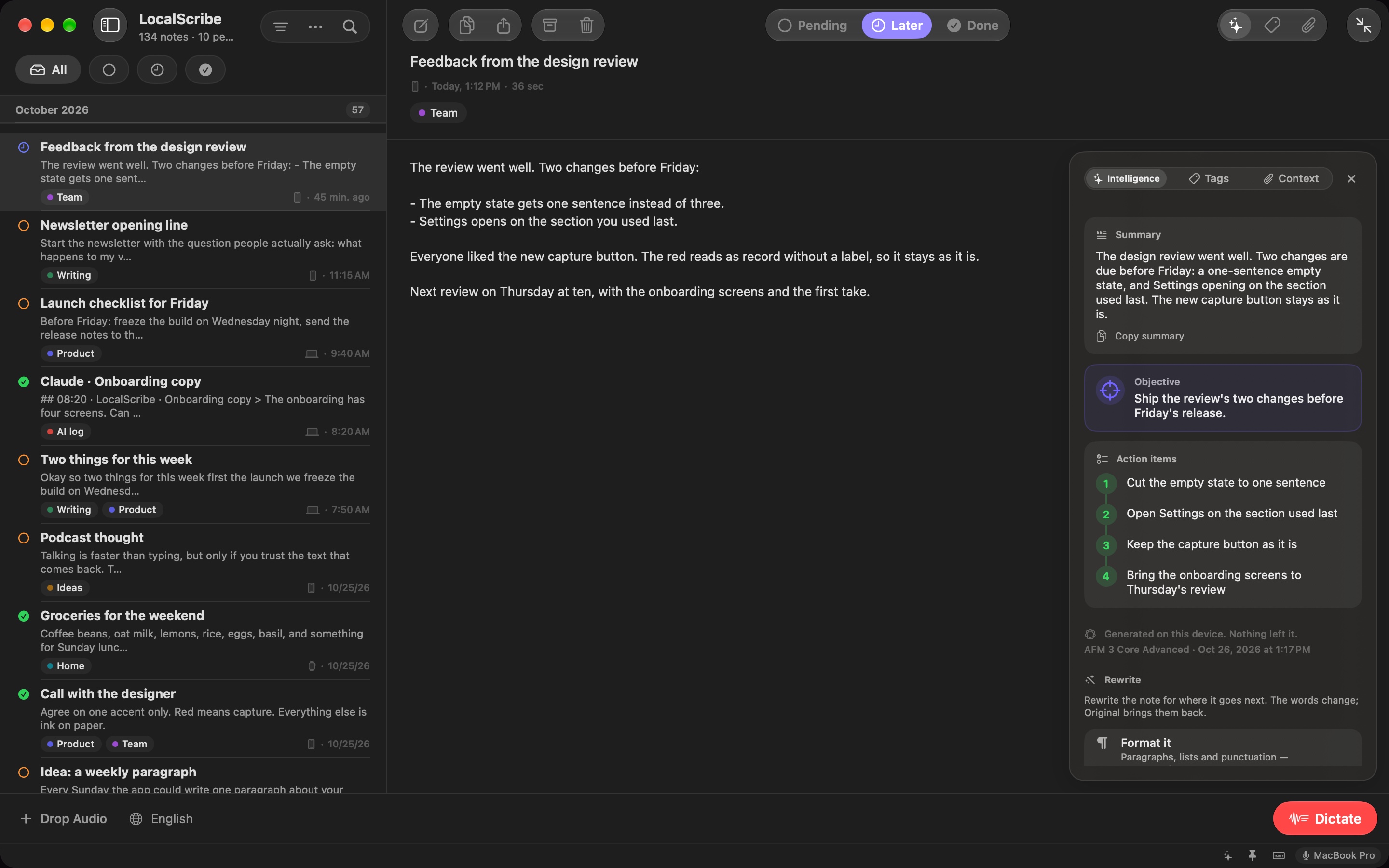
Every note, ready for wherever it goes next editor · 051320×2868 ↗ /appstore/iphone/en/editor.jpg · 1206×2622 · in measure · lens measured by the app: intelligence
Lens on ✦ with its label: summary, action items and the rewrites live there.
Today
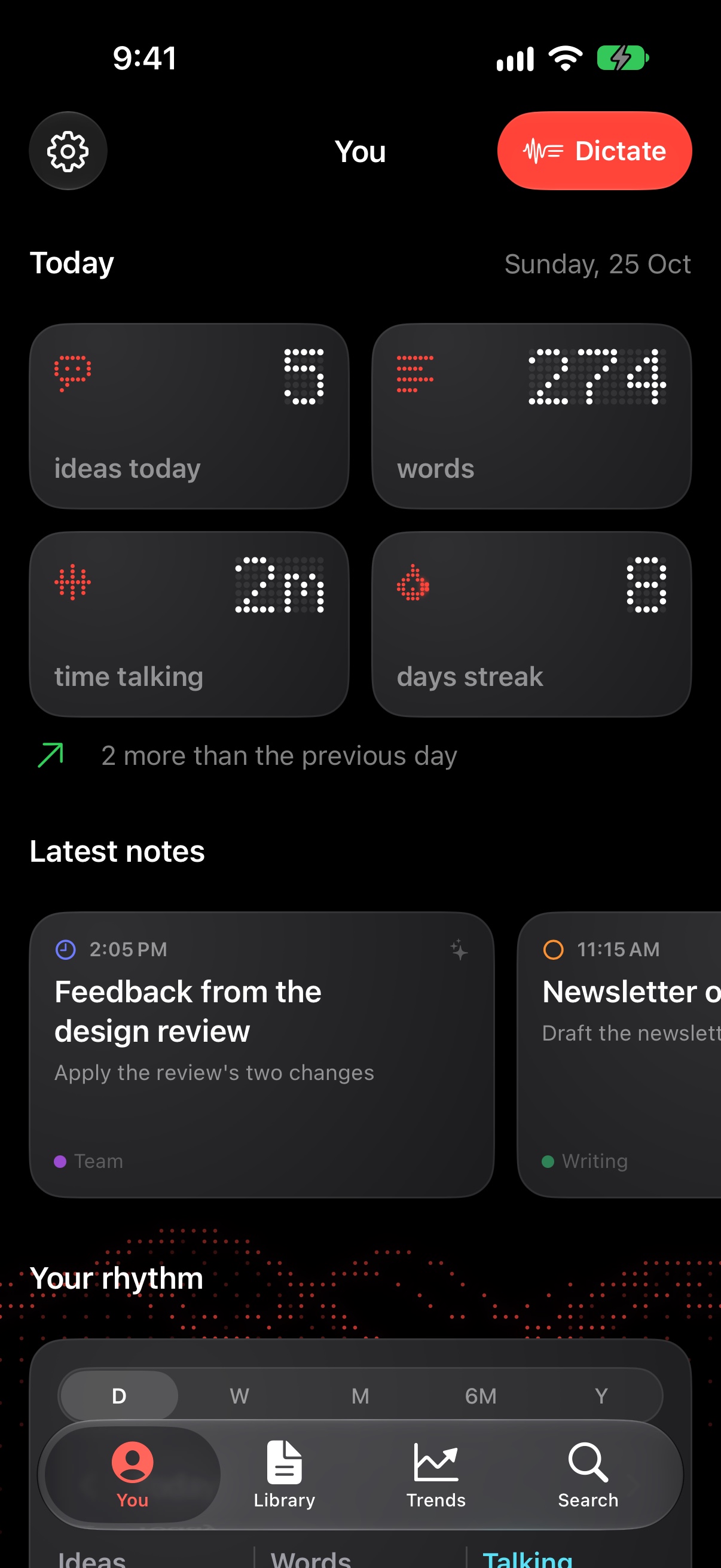
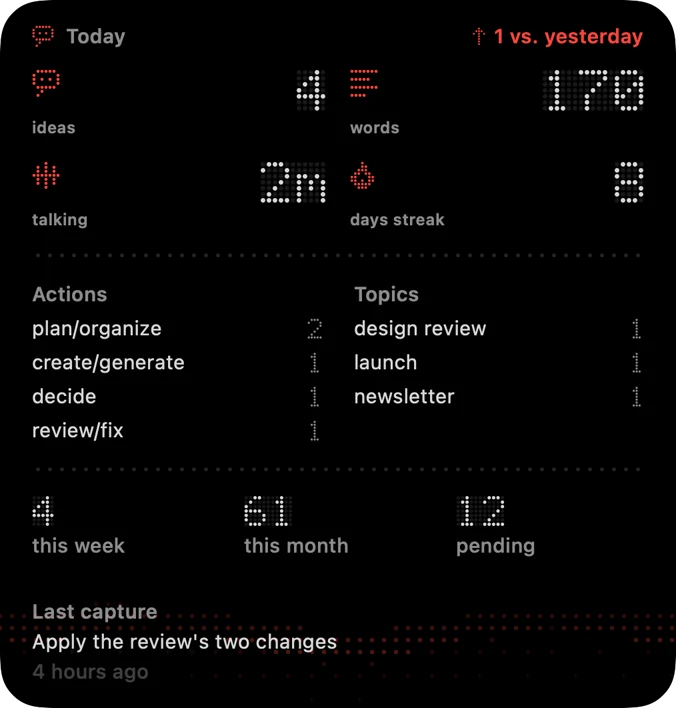
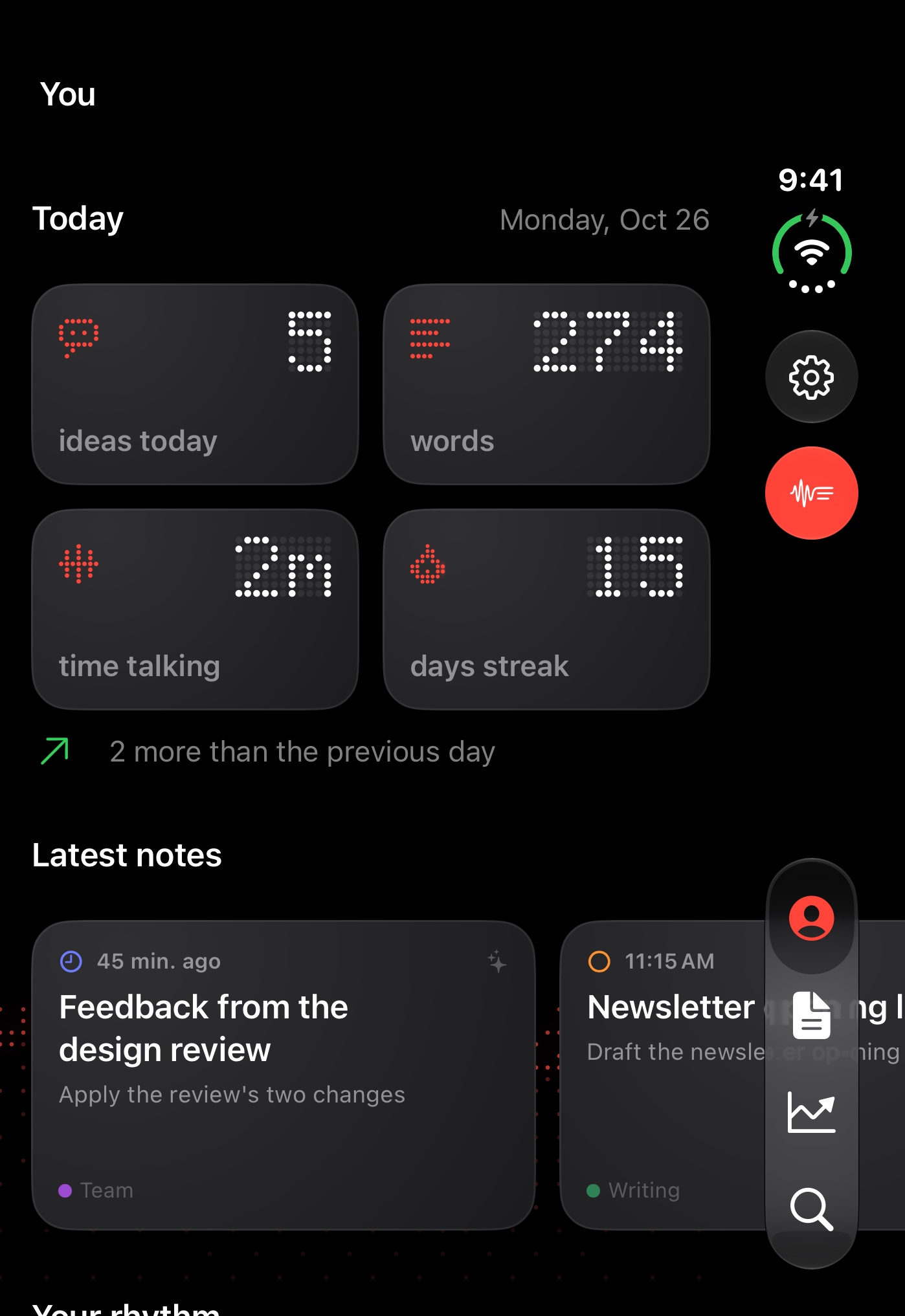
The more you talk, the more you see you /appstore/iphone/en/you.jpg · 1206×2622 · in measure
Alternative, review only: a “What if” scene took its place in the story.
Your rhythm
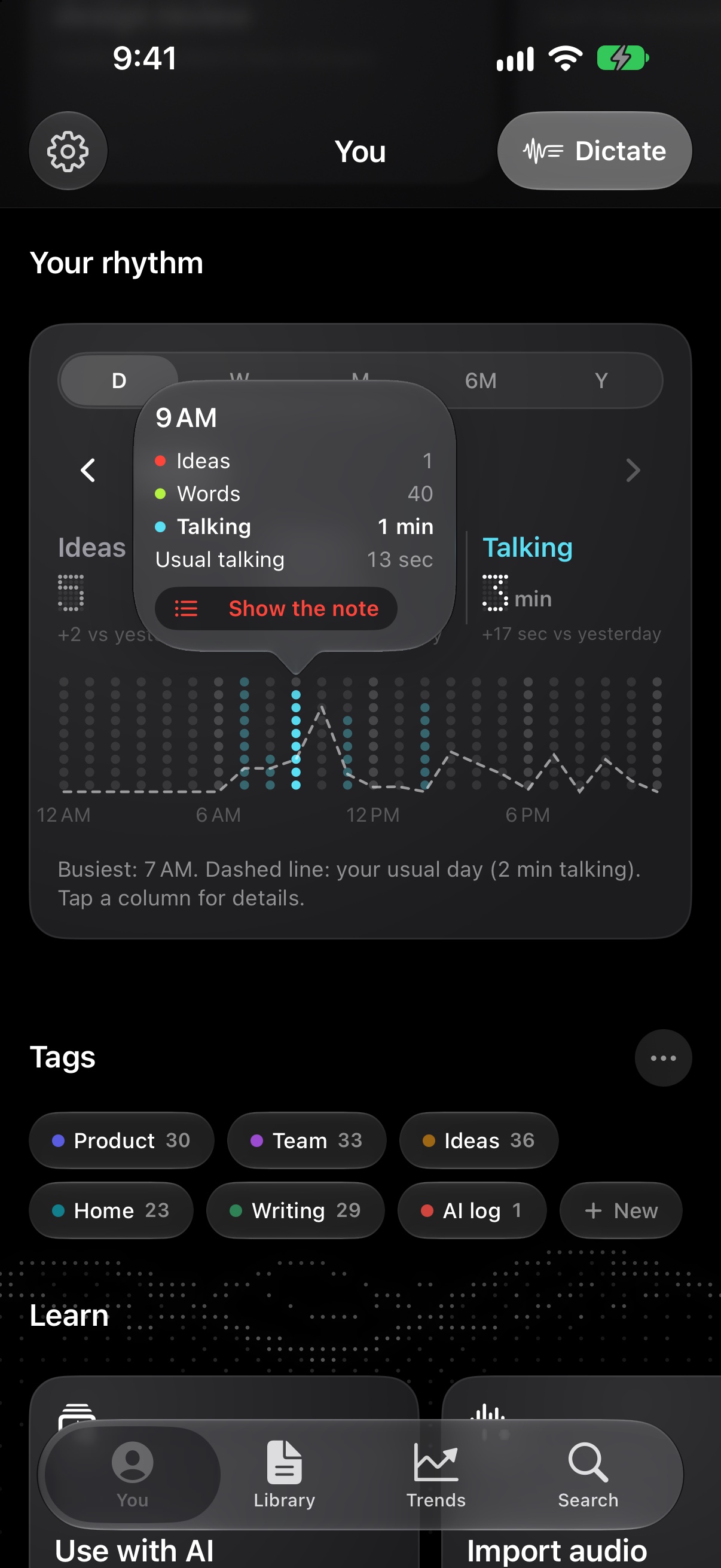
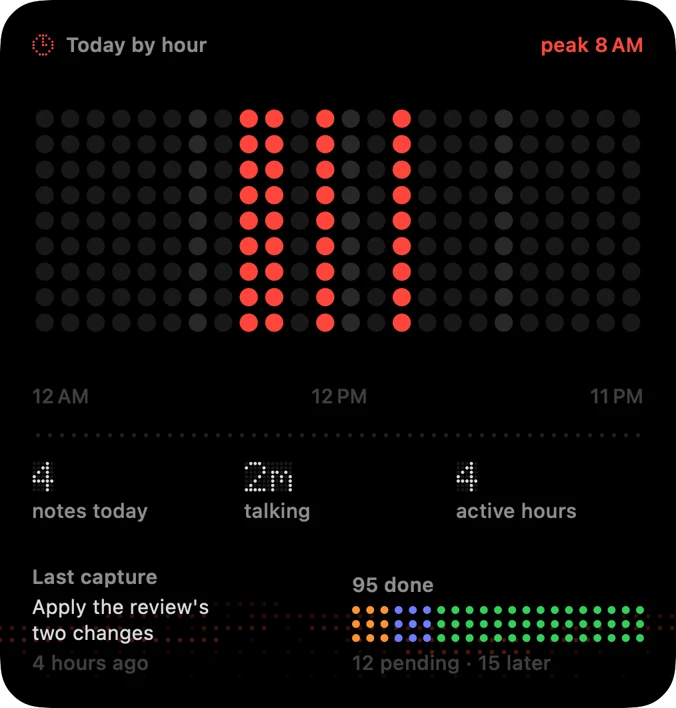
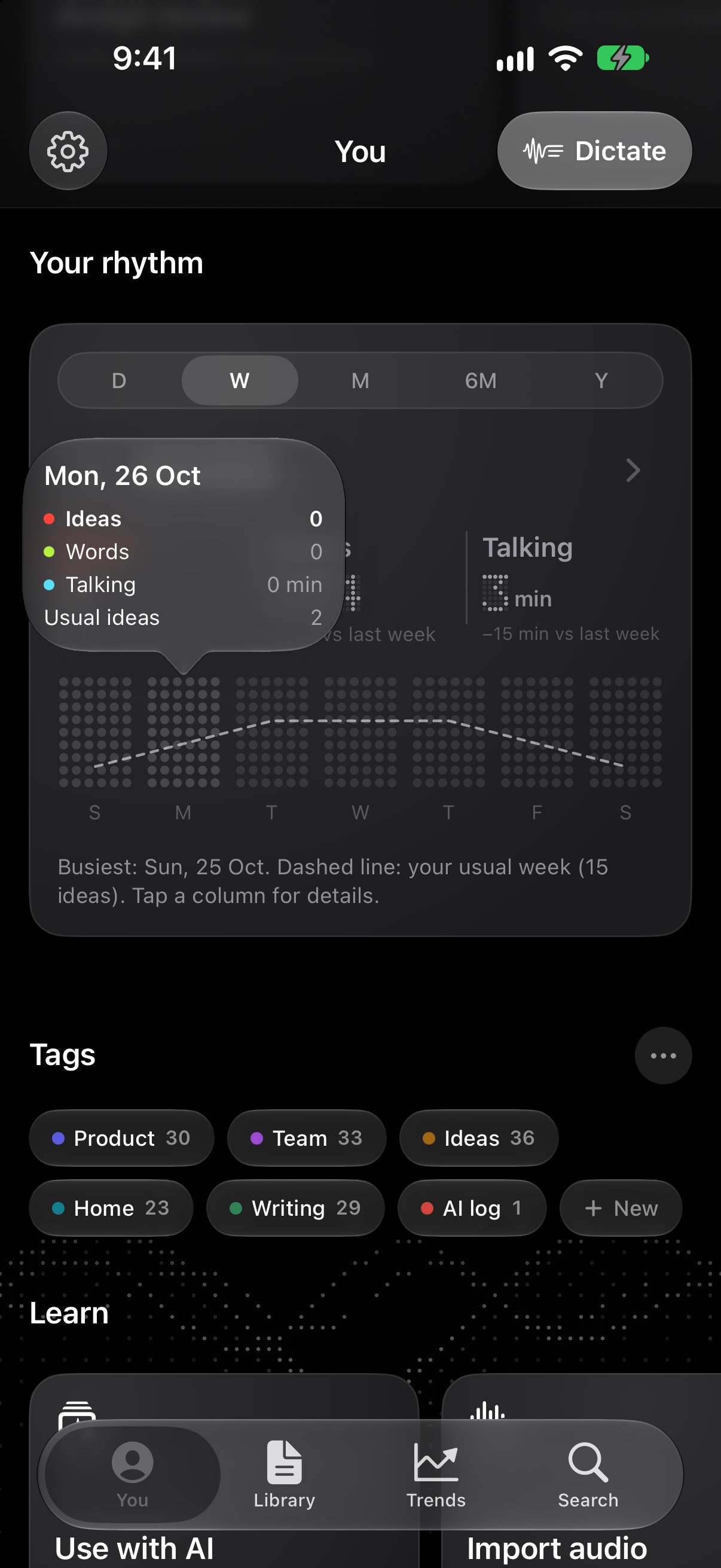
See the hours your ideas come rhythm · 081320×2868 ↗ /appstore/iphone/en/rhythm-popover.jpg · 1206×2622 · in measure
Ring on the hour’s popover.
Trends
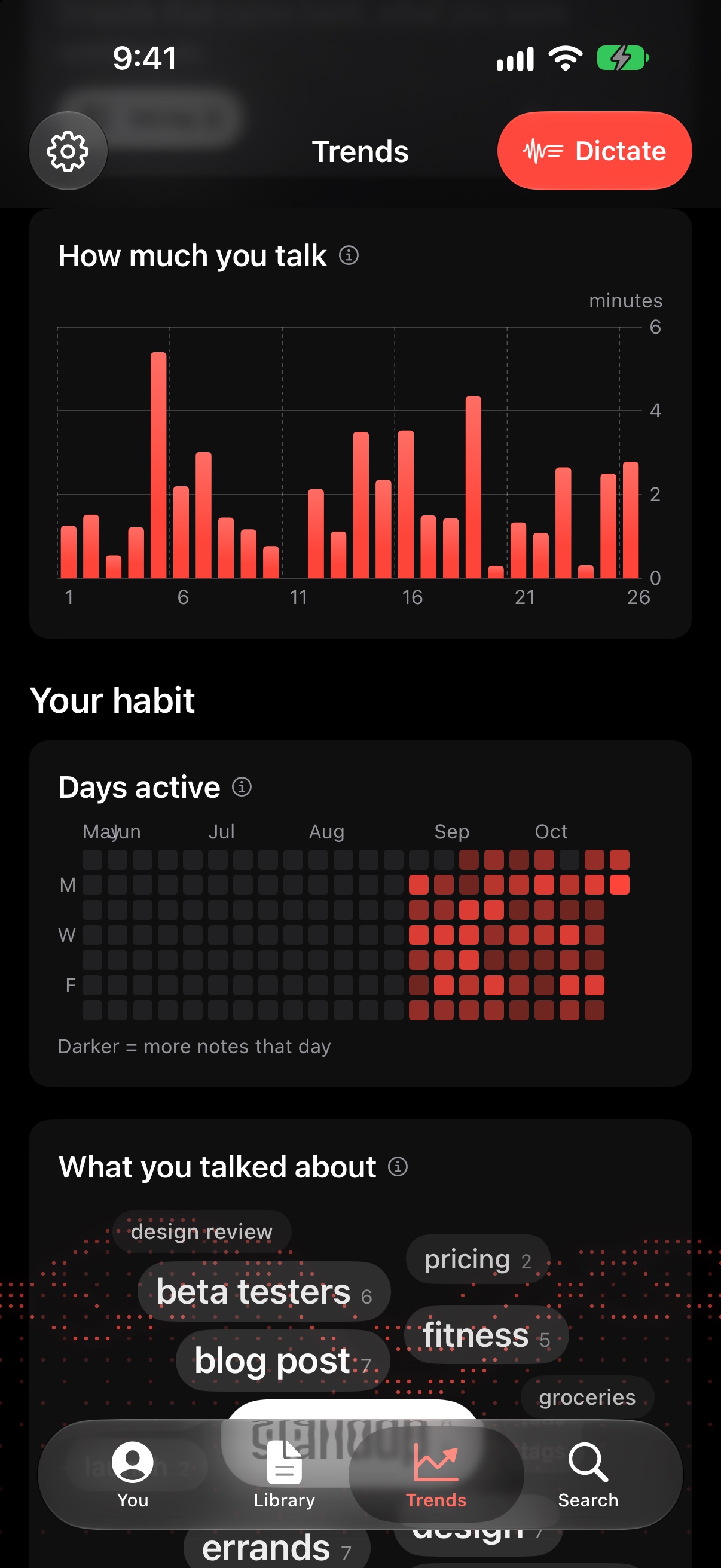
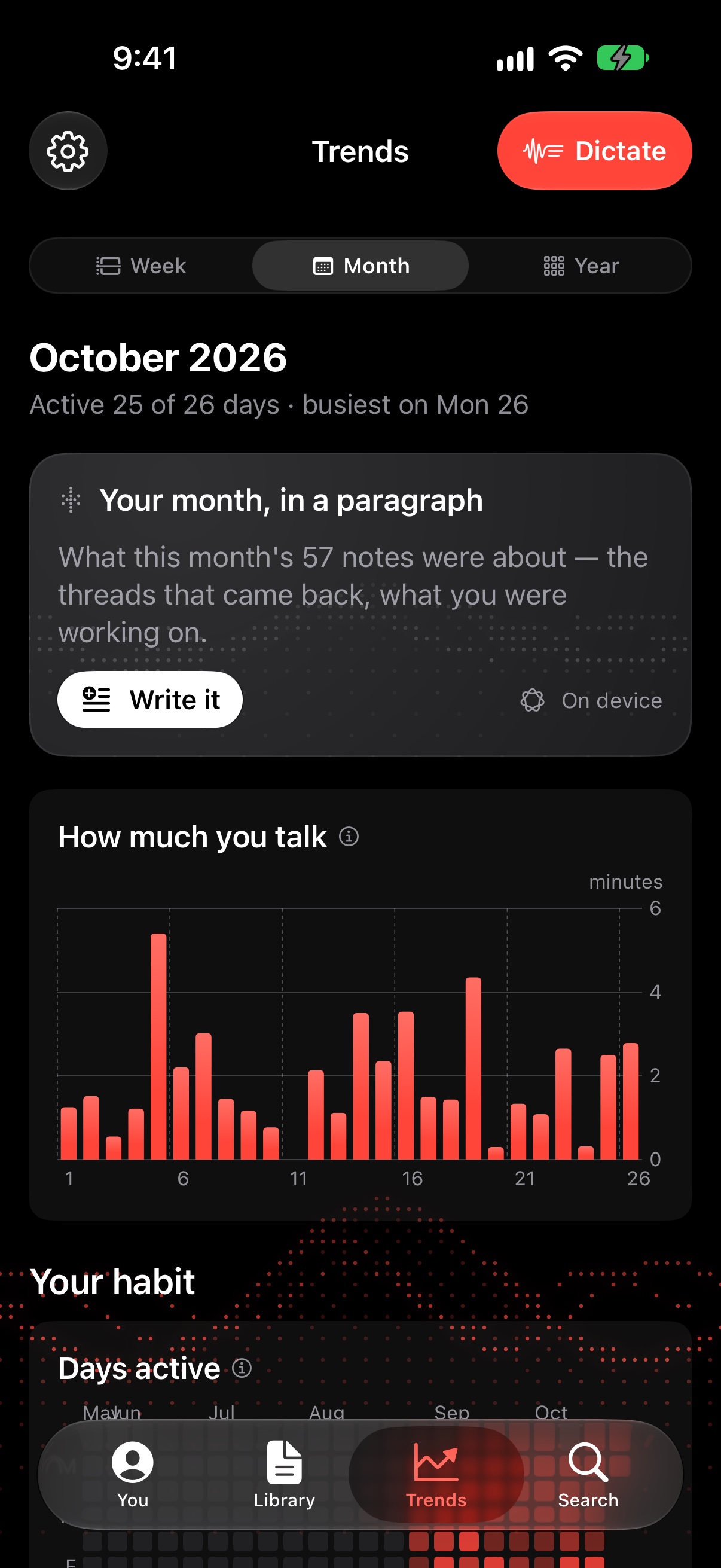
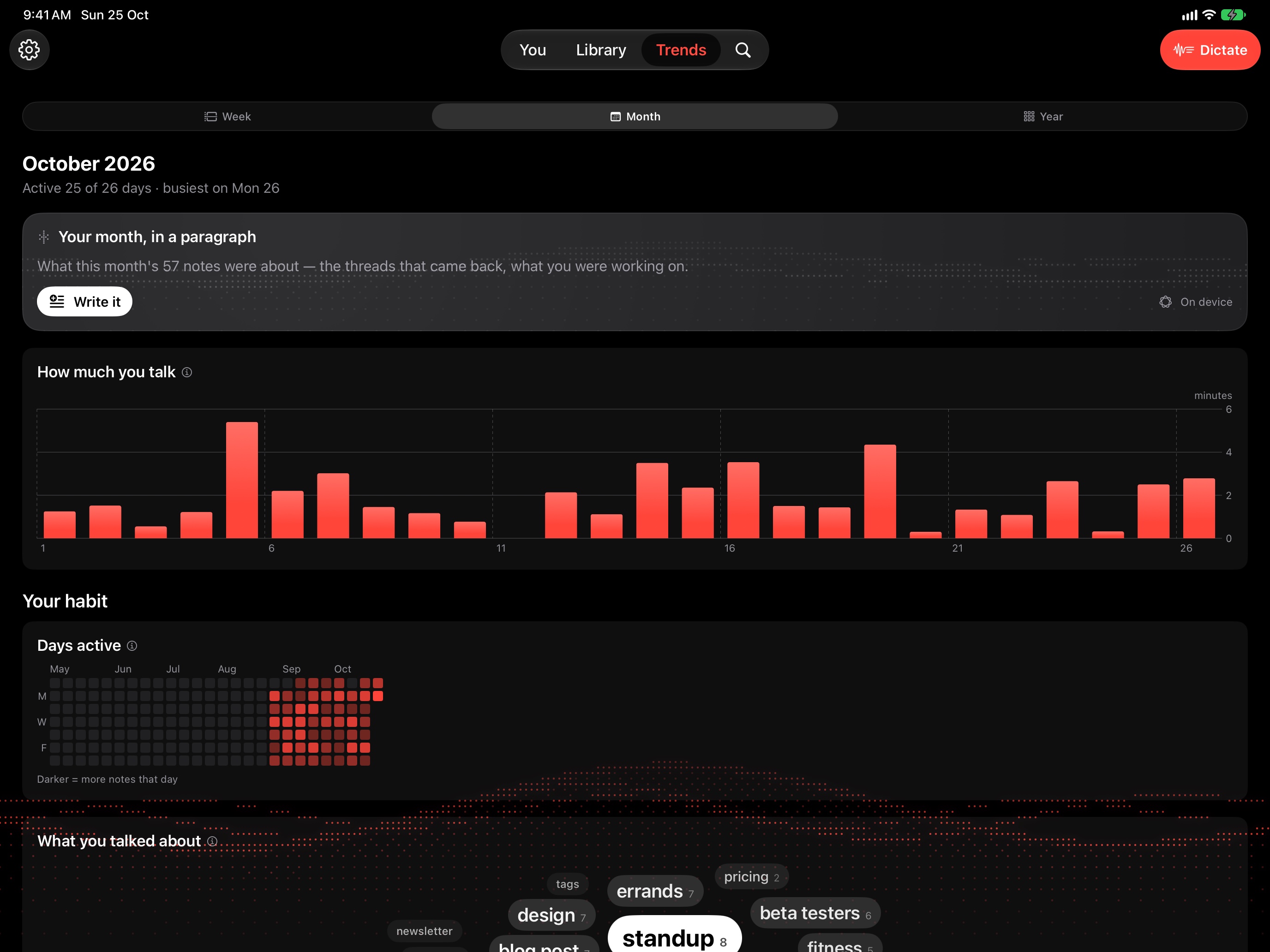
Your week, with nothing to fill in trends /appstore/iphone/en/trends-talk.jpg · 1206×2622 · in measure
Alternative, review only: a “What if” scene took its place in the story.
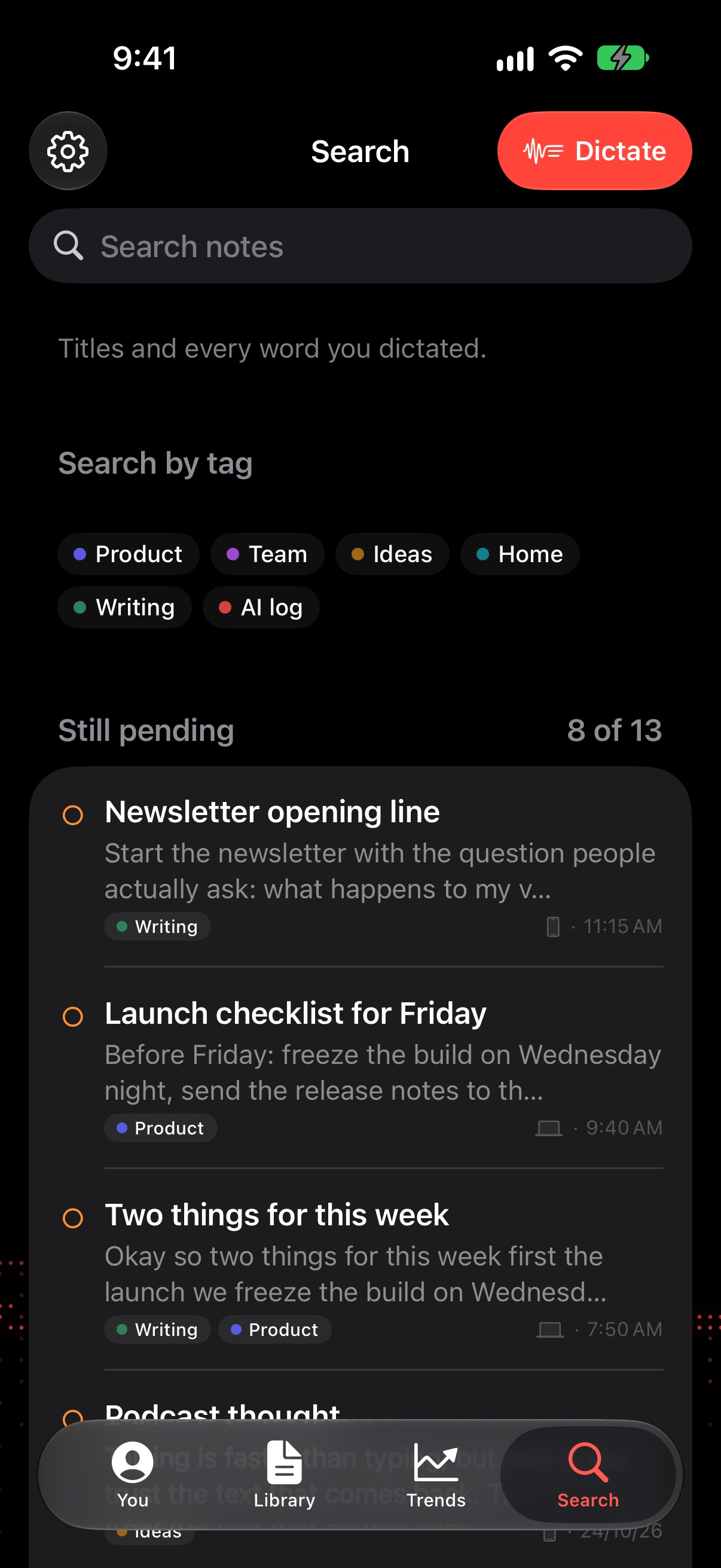
Search
Find any word you’ve said search /appstore/iphone/en/search.jpg · 1206×2622 · in measure
Alternative, review only: a “What if” scene took its place in the story.
Every device
On your Mac, iPhone, iPad, and Apple Watch No subscription · No account · Your audio stays on your devices
equipos Review only now: the walk scene (09) tells every device as a story.
Private
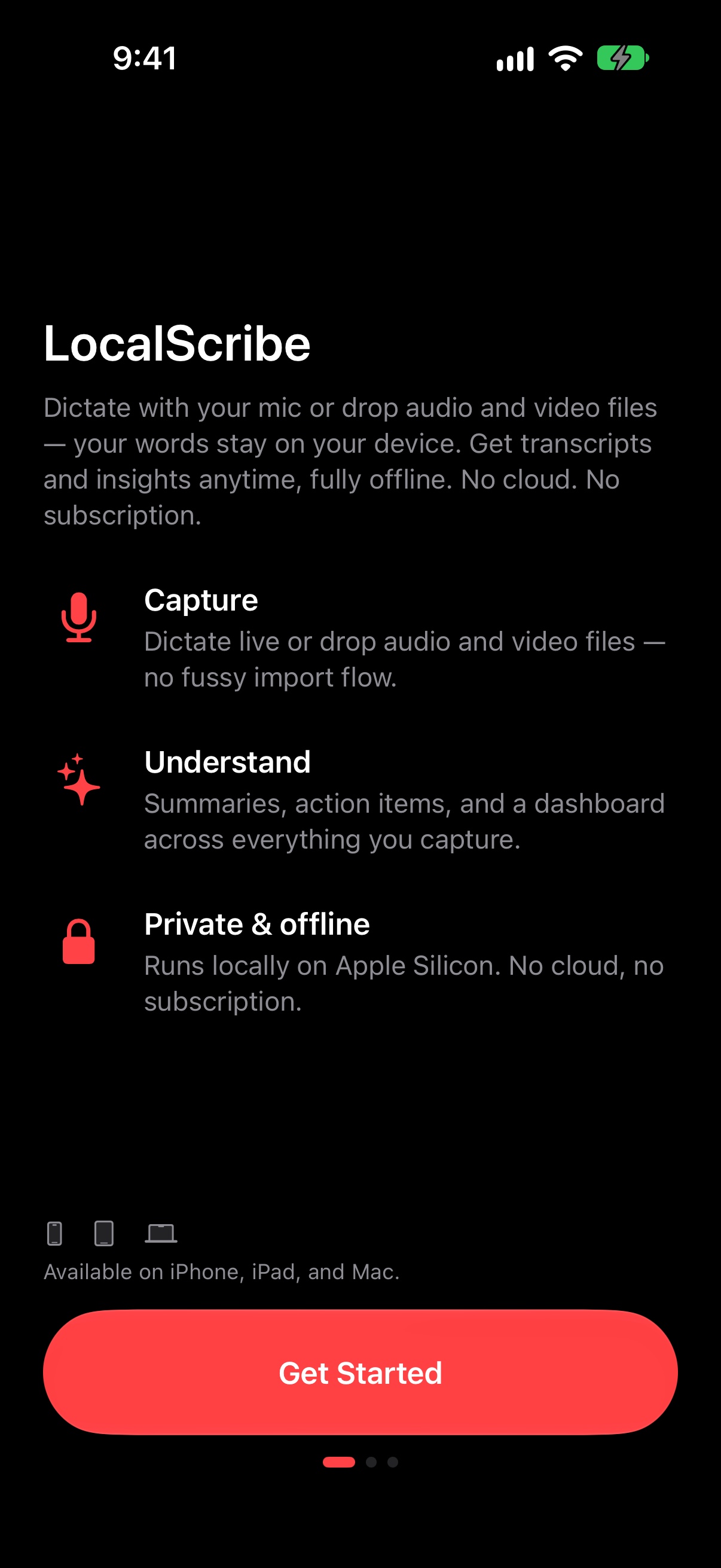
Your audio never leaves your devices onboarding · 101320×2868 ↗ /appstore/iphone/en/onboarding.jpg · 1206×2622 · in measure
A candidate: the welcome screen says it plainly (Private & offline). Settings → Intelligence is the other option.
If voice notes pile up
Read them instead Sofía
▶ 0:14
▶ 0:09
▶ 4:12
▶ 2:47
Drop on LocalScribe 4:12 of audio → 612 words voz · 021320×2868 ↗ No file for this shot.
A “What if” scene: the chat the voice notes came from, and the note they became.
If your ideas come from videos
Keep the ideas, not the tab Share → LocalScribe Every word, then the ideas videos · 031320×2868 ↗ No file for this shot.
A “What if” scene: the reel shared to LocalScribe, and the ideas Intelligence pulled out.
If you need to see your day
Your day, without filling anything in On your Home Screen dia · 071320×2868 ↗ No file for this shot.
A “What if” scene: You on iPhone with the Today and Activity widgets beside it.
If ideas come on a walk
Say it on a walk. Read it at your desk On your iPhone — becoming text On your Mac when you’re back paseo · 091320×2868 ↗ No file for this shot.
A “What if” scene: Watch → iPhone → the Mac’s mini window. Tells “every device” as a story.
In transit
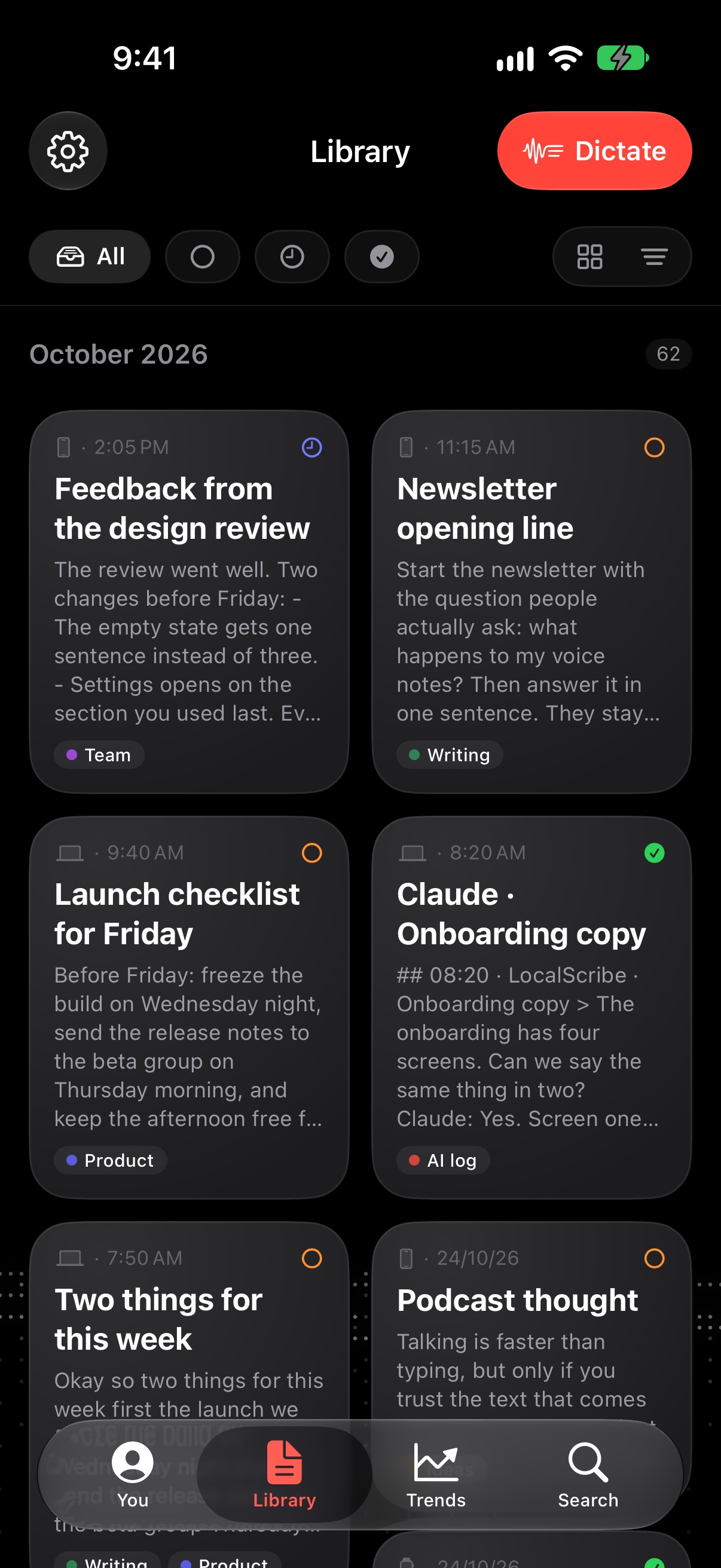
Every note says what’s still to use library /appstore/iphone/en/library-grid.jpg · 1206×2622 · in measure
Alternative for 03 (review only).
In transit
Every note says what’s still to use library /appstore/iphone/en/library-timeline.jpg · 1206×2622 · in measure
Alternative for 03 (review only).
Your rhythm
See the hours your ideas come rhythm /appstore/iphone/en/rhythm-week.jpg · 1206×2622 · in measure
Alternative for 06 (review only).
Trends
Your week, with nothing to fill in trends /appstore/iphone/en/trends.jpg · 1206×2622 · in measure
Alternative for 07 (review only).
iPad 13″ · landscape
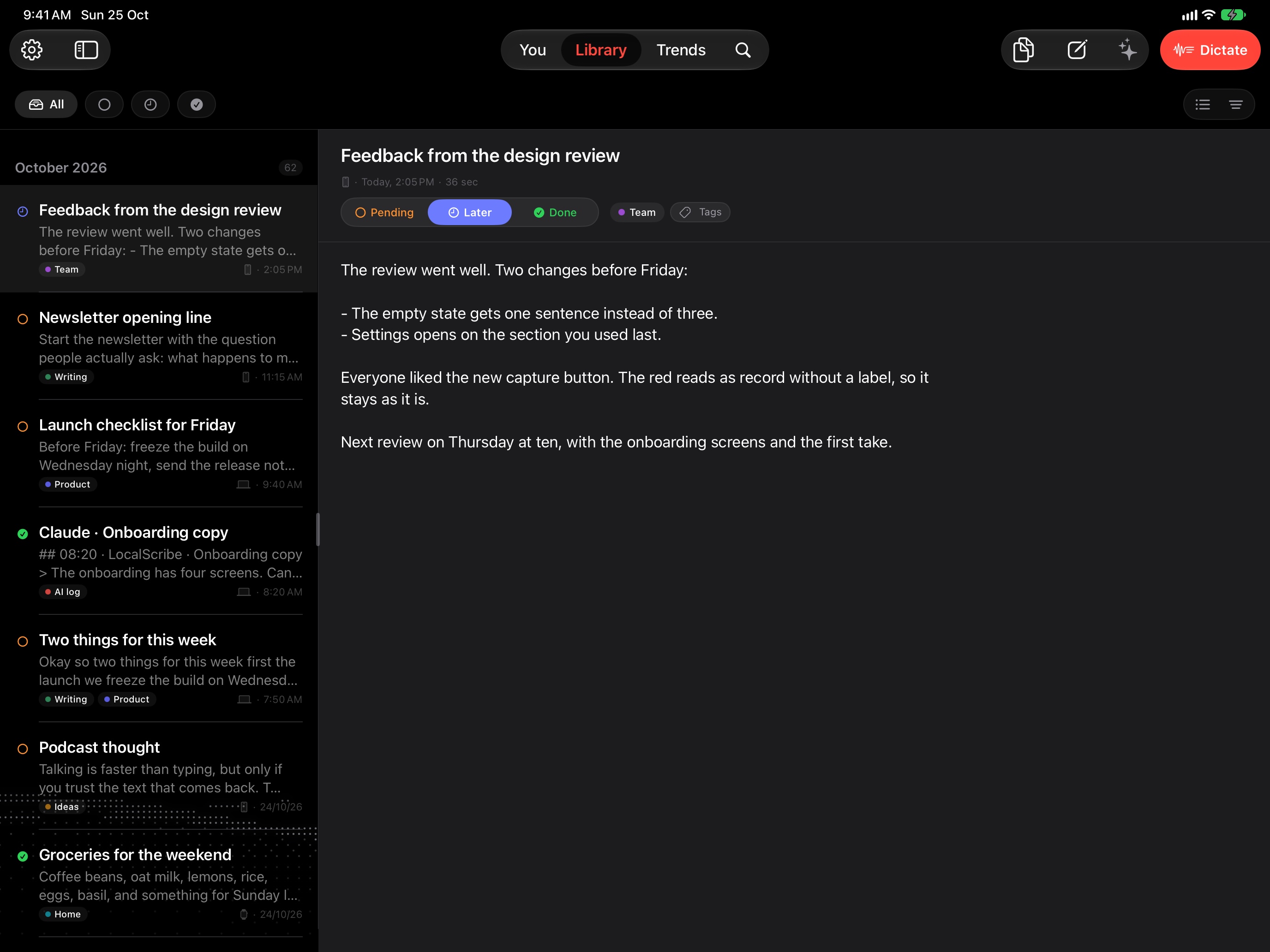
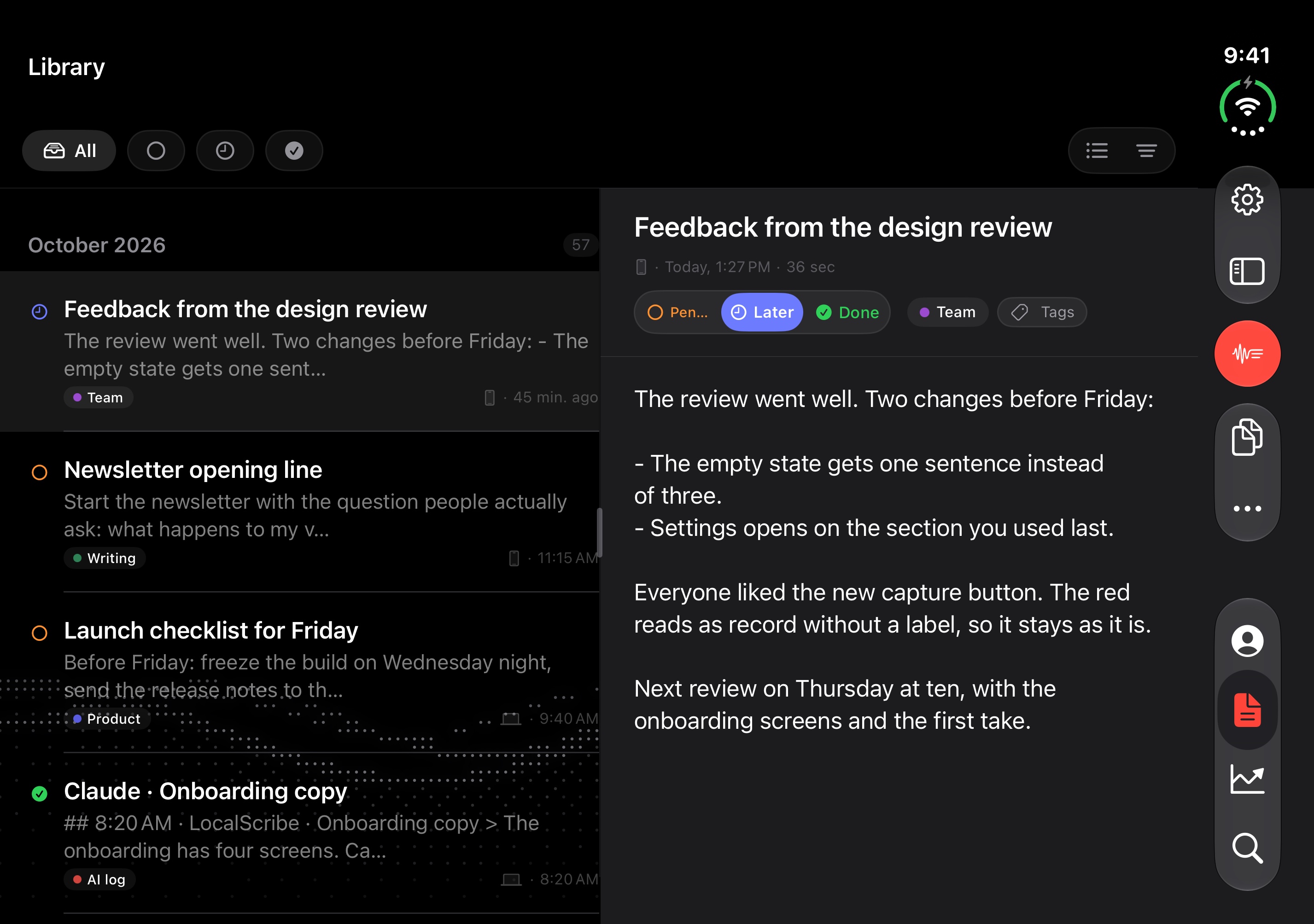
iPad 13″ 2752 × 2064 · 2752×2064 or 2732×2048 · 6 to export iPad Pro 13-inch simulator, landscape: the Library reads beside itself.
In transit
Every note says what’s still to use Dictation and transcription that run on your iPhone, iPad and Mac. No cloud, no account.
library · 012752×2064 ↗ /appstore/ipad/en/library.jpg · 2752×2064 · in measure
Intelligence
The gist and the to-dos, when you ask intelligence · 022752×2064 ↗ /appstore/ipad/en/intelligence.jpg · 2752×2064 · in measure
Today
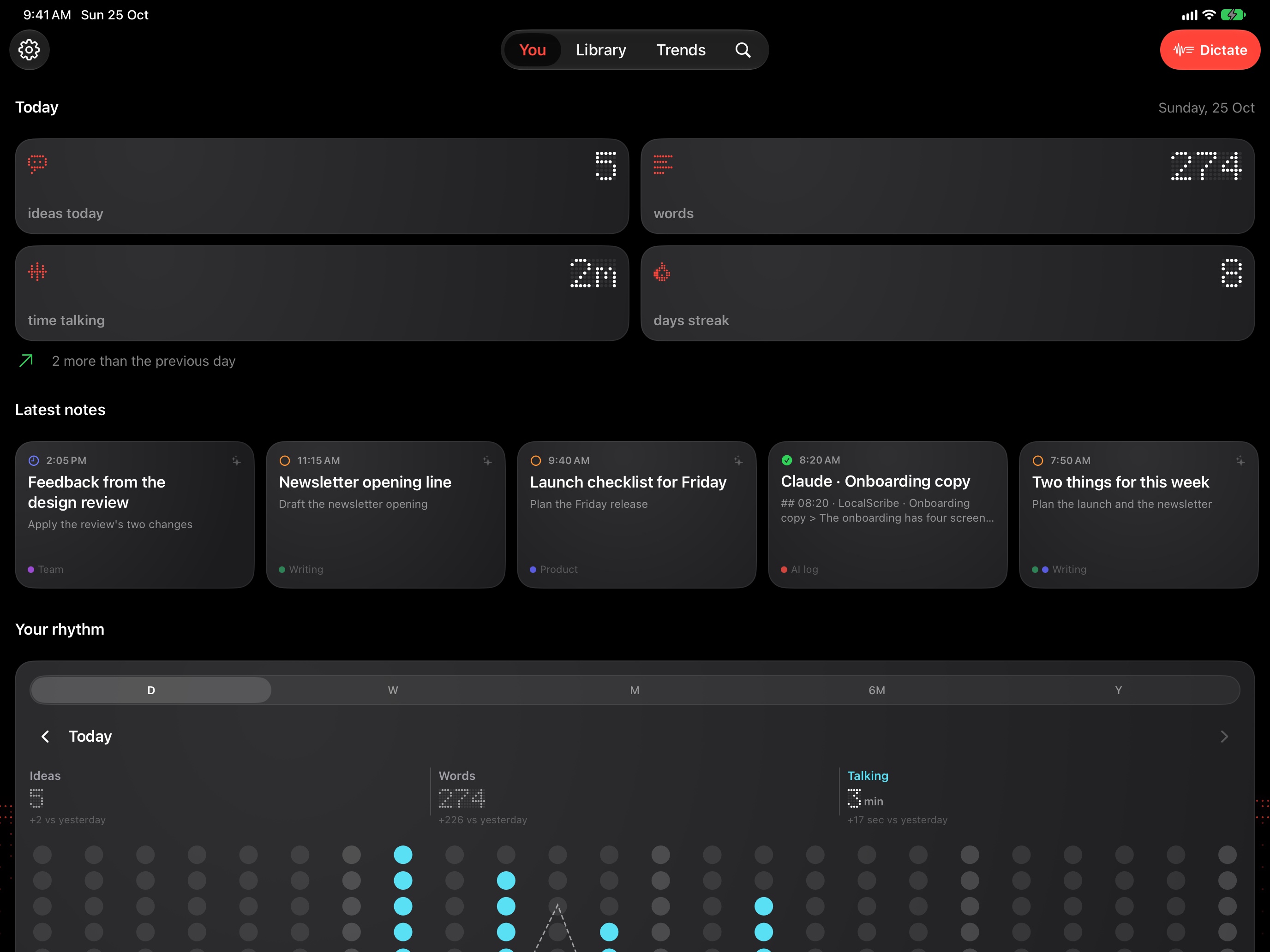
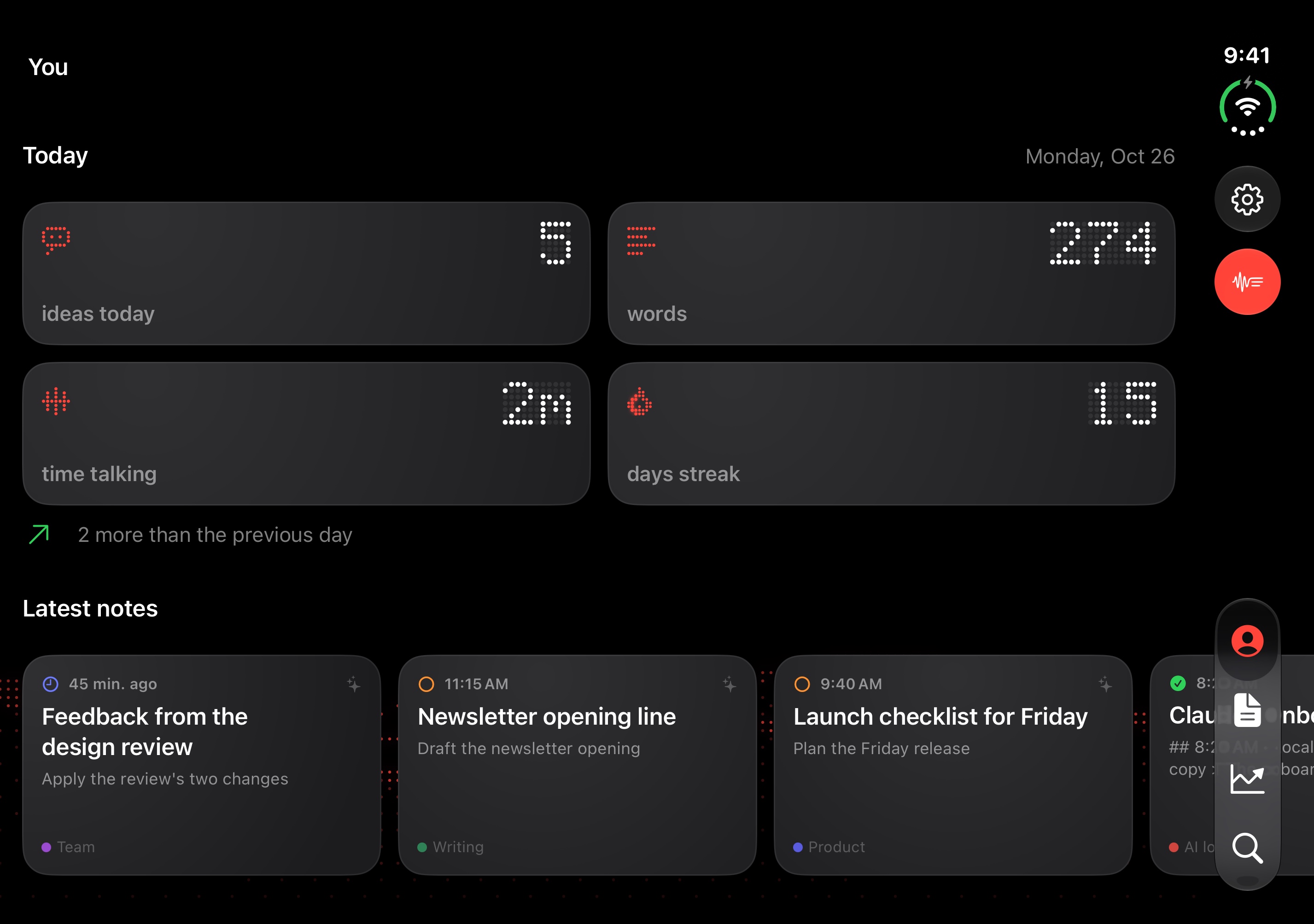
The more you talk, the more you see you · 032752×2064 ↗ /appstore/ipad/en/you.jpg · 2752×2064 · in measure
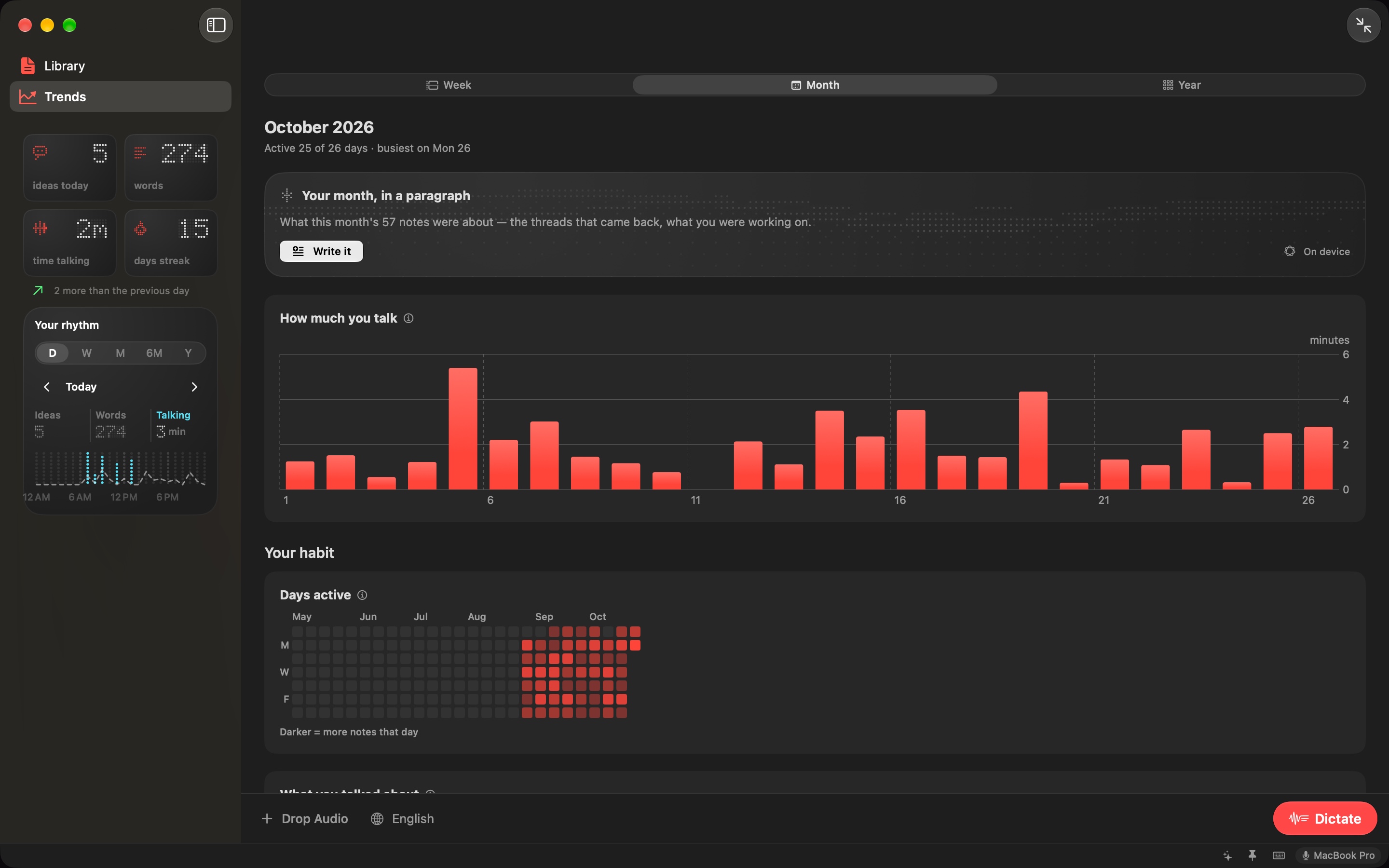
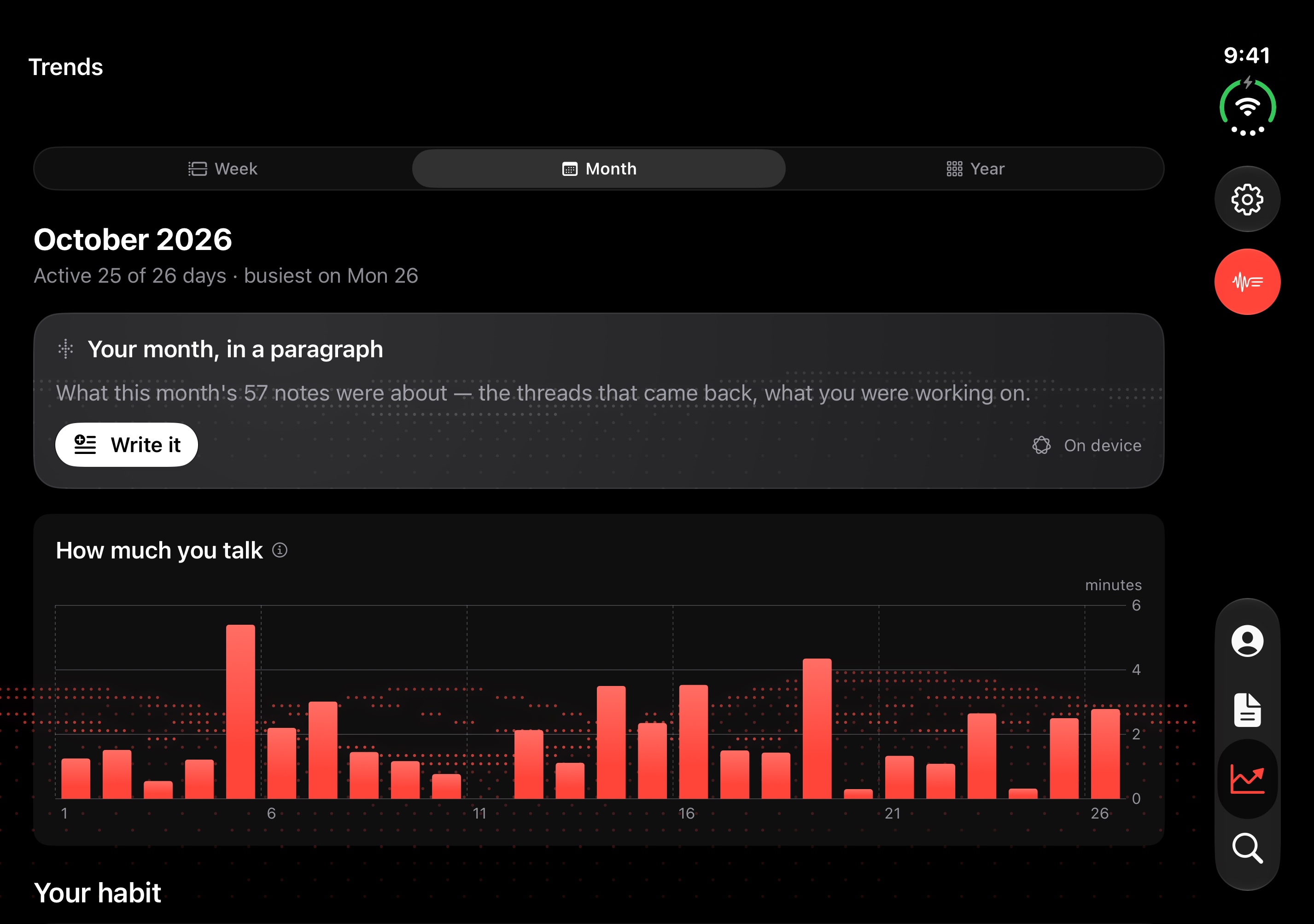
Trends
Your week, with nothing to fill in trends · 042752×2064 ↗ /appstore/ipad/en/trends.jpg · 2752×2064 · in measure
Dictate
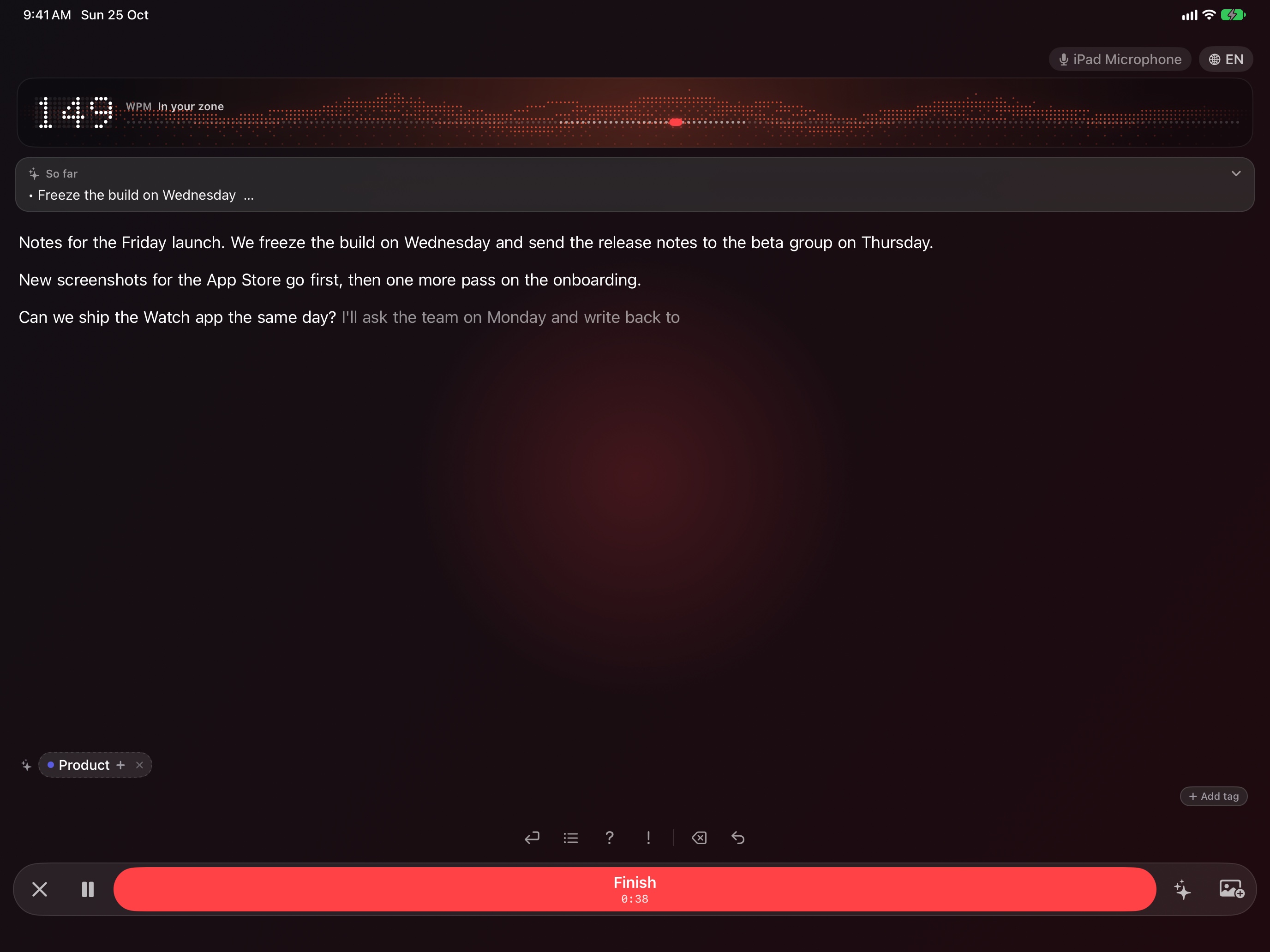
Speak. It’s already written capture · 052752×2064 ↗ /appstore/ipad/en/capture.jpg · 2752×2064 · in measure
The take shows the arming state (“Getting the microphone ready…”): the simulator can’t run SpeechAnalyzer. It needs words on the page: the landing demo’s scripted dictation (LandingDictationFeed) or a real iPhone.
Every device
On your Mac, iPhone, iPad, and Apple Watch No subscription · No account · Your audio stays on your devices
equipos · 062752×2064 ↗ Composed here from the store stills.
2880 × 1800 · 16:10 · 2880×1800 · 9 to export The whole display at 1440×900 pt @2x, in the landing demo mode: the mini window is the Mac’s home.
Made for the Mac
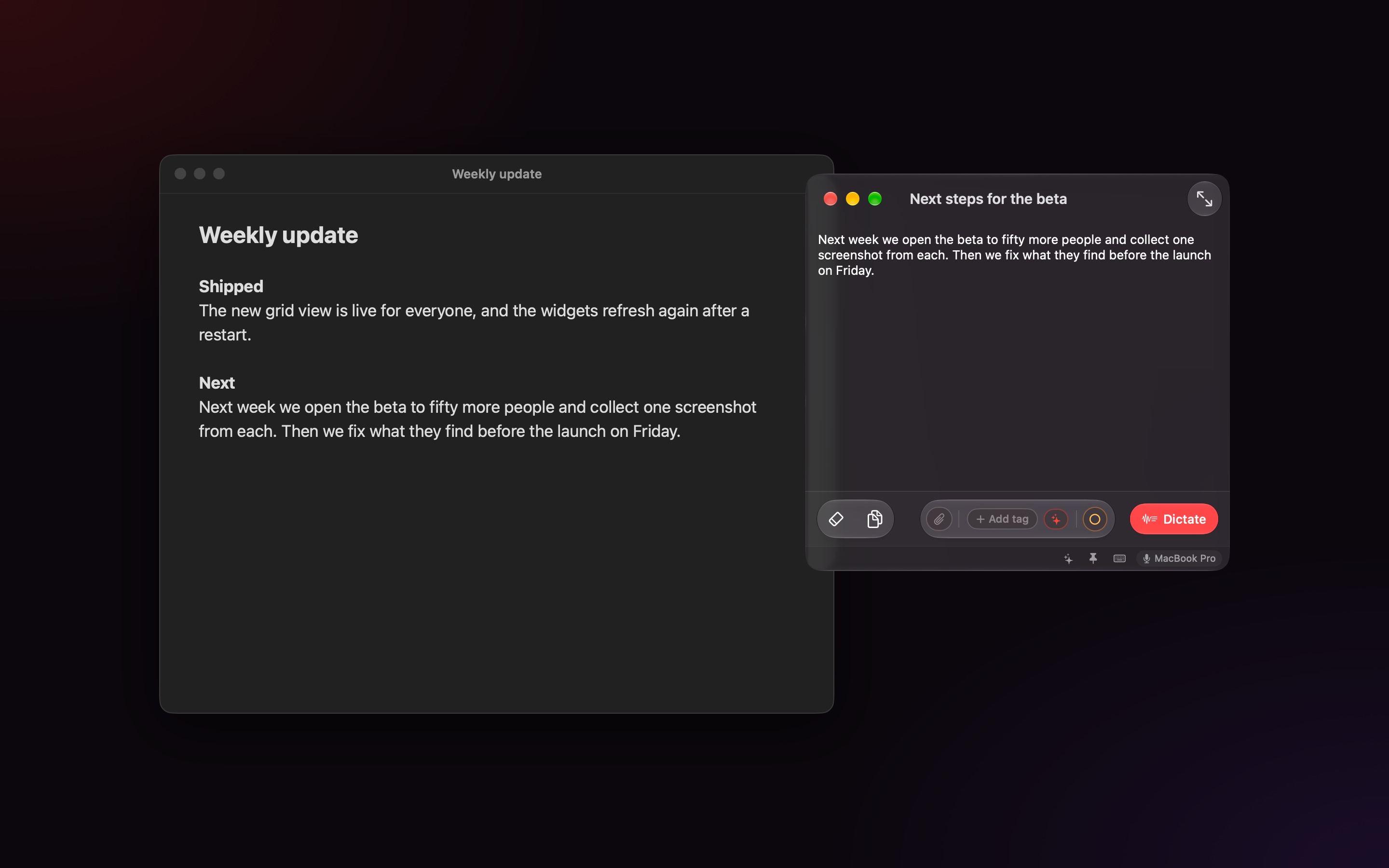
A small window that floats over every app Dictation and transcription that run on your iPhone, iPad and Mac. No cloud, no account.
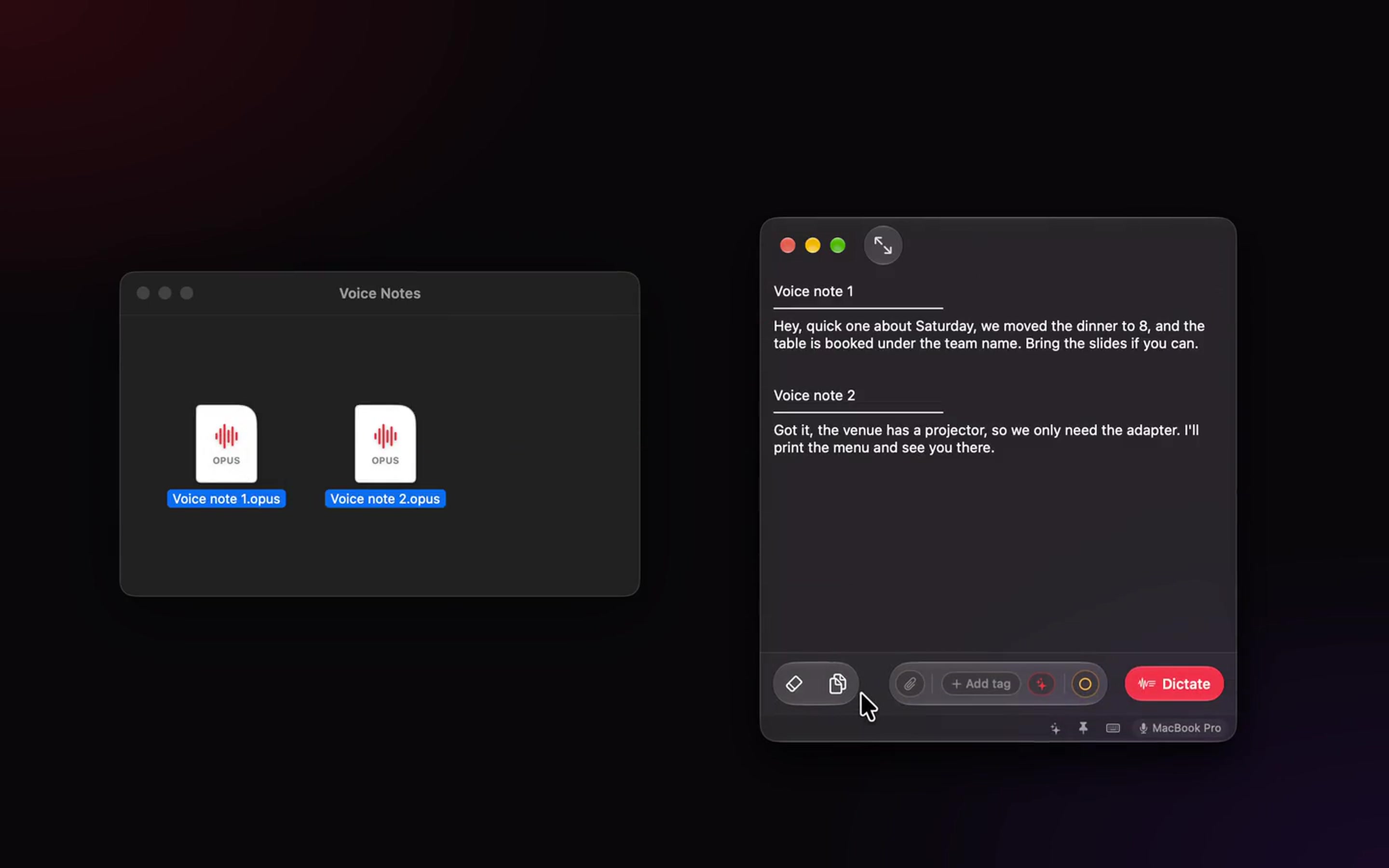
mini-window-over-apps · 012880×1800 ↗ /appstore/mac/en/mini-window.jpg · 2880×1800 · in measure · lens measured by the app: dictate
The scripted dictation fills the window (LandingDictationFeed). Lens on Dictate.
If voice notes pile up
Read them instead drop-mac · 022880×1800 ↗ /appstore/mac/en/voice-notes.jpg · 2880×1800 · not a store size: exports rescaled
A “What if” frame: the landing’s drop-mac take at its last beat (6 s), scaled from 1440×900.
If you think better out loud
Say it messy. Read it clean formato-mac · 032880×1800 ↗ No file for this shot.
A “What if” scene: the dictated run of words, and the same note after Format it (case-format-mac, 0.8 s and 10.3 s).
In transit
Every note says what’s still to use library · 042880×1800 ↗ /appstore/mac/en/library.jpg · 2880×1800 · in measure
Intelligence
The gist and the to-dos, when you ask intelligence · 052880×1800 ↗ /appstore/mac/en/intelligence.jpg · 2880×1800 · in measure
With Claude
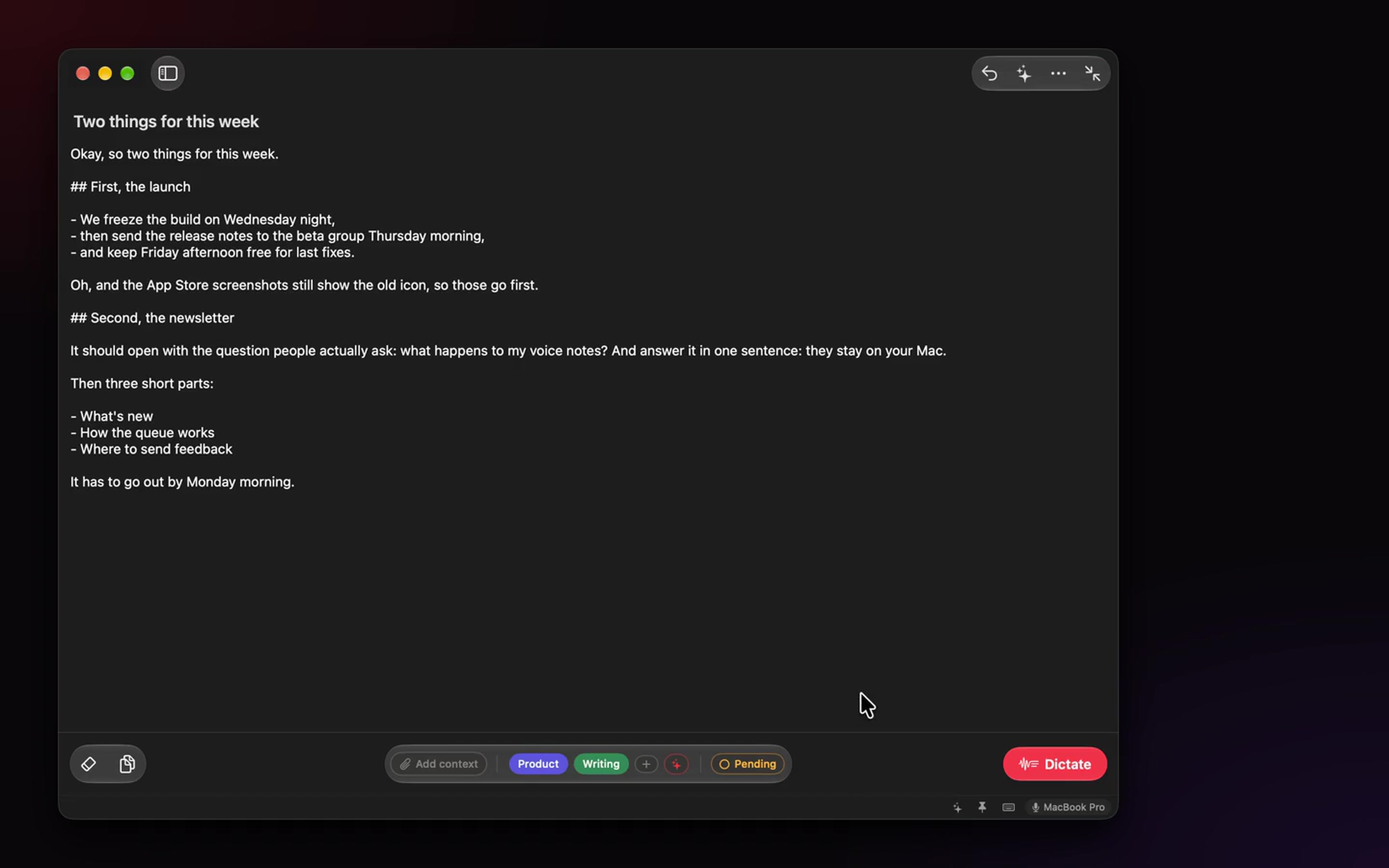
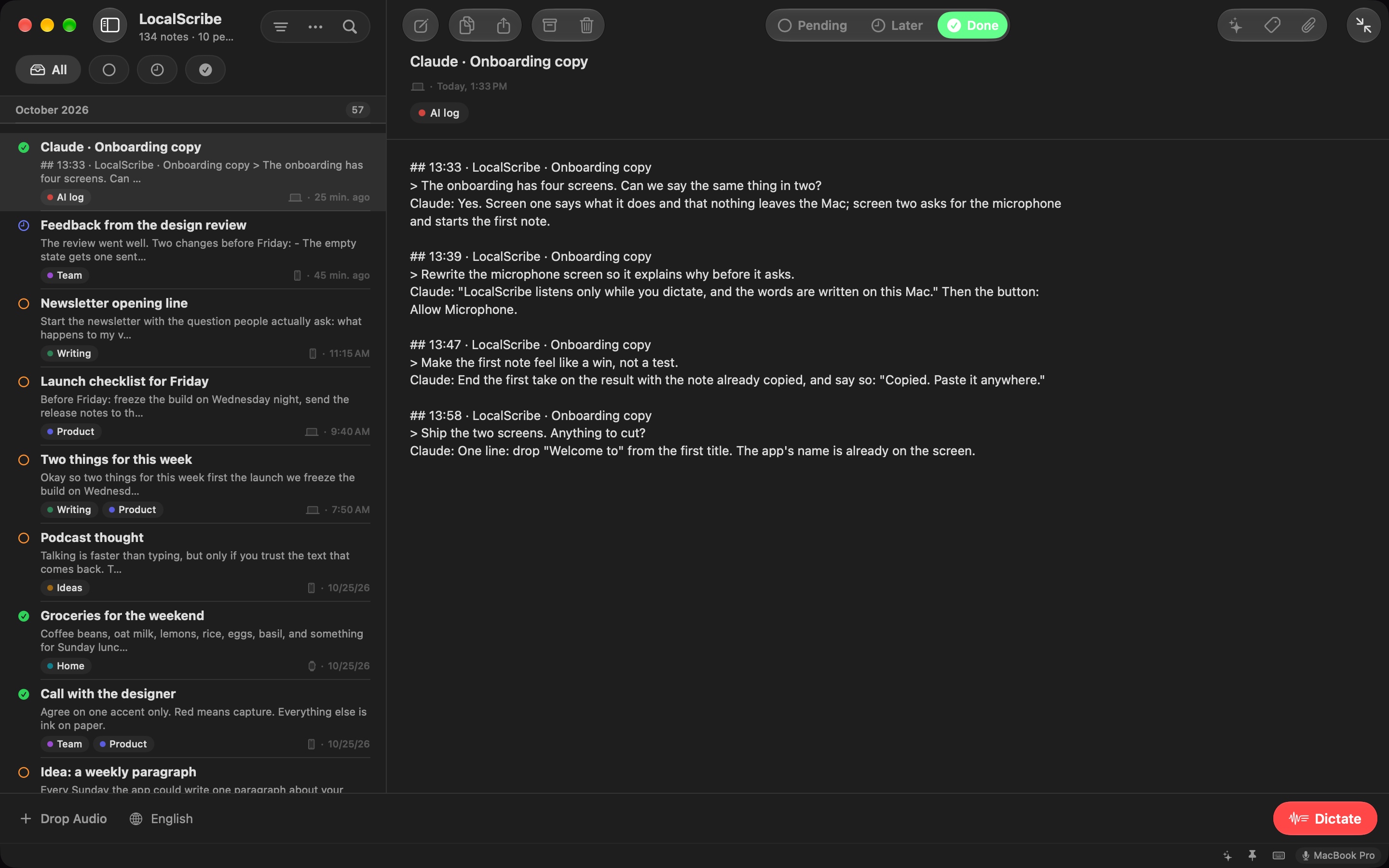
Your Claude sessions, in your notes claude-note-mac · 062880×1800 ↗ /appstore/mac/en/claude.jpg · 2880×1800 · in measure
Brands stay inside the screen; the headline is the landing’s. Zooms of the note and of Settings → AI Assistants can go beside it once the take exists.
Today
The more you talk, the more you see data-mac-sidebar · 072880×1800 ↗ /appstore/mac/en/trends.jpg · 2880×1800 · in measure
If ideas come on a walk
Say it on a walk. Read it at your desk Tap your Watch and talk On your iPhone — becoming text On your Mac when you’re back paseo-mac · 082880×1800 ↗ No file for this shot.
A “What if” scene: a take on the Watch, waiting in the Mac’s mini window when you’re back.
Every device
On your Mac, iPhone, iPad, and Apple Watch No subscription · No account · Your audio stays on your devices
equipos · 092880×1800 ↗ Composed here from the store stills.
Apple Watch · portrait
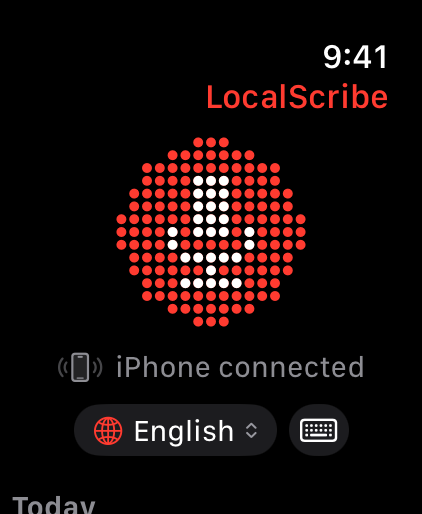
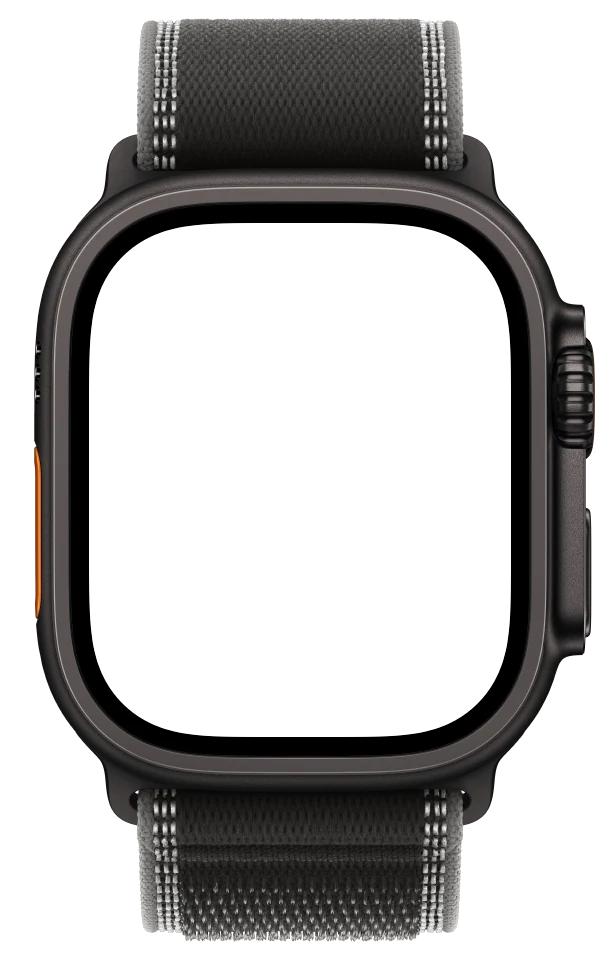
No headline 422 × 514 · 422×514 · 3 to export The screen alone, no band. 01 is the landing’s hero still (410×502, a Series size), scaled to 422×514 until the Ultra take arrives.
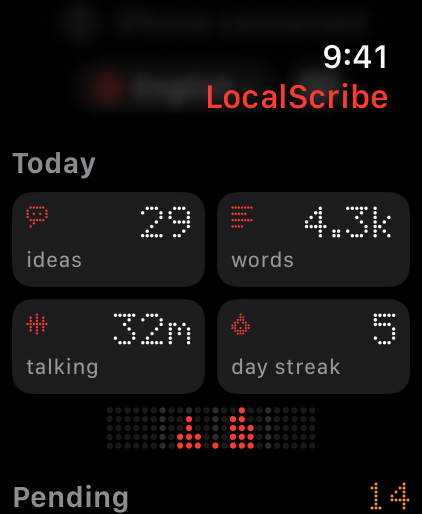
watch-home · 01422×514 ↗ /appstore/watch/en/watch-home.png · 410×502 · not a store size: exports rescaled
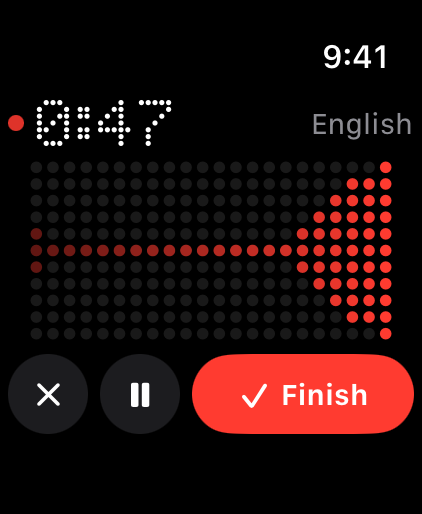
watch-recording · 02422×514 ↗ /appstore/watch/en/watch-recording.png · 422×514 · in measure
watch-today · 03422×514 ↗ /appstore/watch/en/watch-today.png · 422×514 · in measure
iPhone Duo · open · landscape
iPhone Duo, open 2853 × 2007 · 2853×2007 (or 2007×2853 upright) · 3 to export Open flat, 9:41. Apple’s official bezel. The upright posture (2007×2853) goes in the same slot.
App Store Connect has two Duo slots, inner and outer; each posture falls into one of them.
In transit
Every note says what’s still to use Dictation and transcription that run on your iPhone, iPad and Mac. No cloud, no account.
library · 012853×2007 ↗ /appstore/duo-interior/en/library.jpg · 2853×2007 · in measure
Today
The more you talk, the more you see you · 022853×2007 ↗ /appstore/duo-interior/en/you.jpg · 2853×2007 · in measure
Trends
Your week, with nothing to fill in trends · 032853×2007 ↗ /appstore/duo-interior/en/trends.jpg · 2853×2007 · in measure
iPhone Duo · closed · portrait
iPhone Duo, closed 1398 × 2034 · 1398×2034 (or 2034×1398 on its side) · 3 to export What you use with the phone closed. Apple’s official bezel.
App Store Connect has two Duo slots, inner and outer; each posture falls into one of them.
Today
The more you talk, the more you see you · 011398×2034 ↗ /appstore/duo-exterior/en/you.jpg · 1398×2034 · in measure
In transit
Every note says what’s still to use library · 021398×2034 ↗ /appstore/duo-exterior/en/library.jpg · 1398×2034 · in measure
Dictate
Speak. It’s already written capture · 031398×2034 ↗ /appstore/duo-exterior/en/capture.jpg · 1398×2034 · in measure
The take shows the arming state (“Getting the microphone ready…”): the simulator can’t run SpeechAnalyzer. It needs words on the page: the landing demo’s scripted dictation (LandingDictationFeed) or a real iPhone.
iOS 27
The header and the search asset Two spaces new in iOS and iPadOS 27. The search asset replaces the three screenshots in results, so the first-three rule moves here. Both are composed below from the same stills and export with the frames.
Product page header 21:9 · 3840×1646 · image, or video of 5 to 30 s The first thing on the product page, above the icon and the name. Composed here from the store stills.
LocalScribe Dictate
Speak. It’s already written Dictate and transcribe on your Mac, iPhone and iPad. Your audio never leaves them.
12.0 s LocalScribe Speak. It’s already written Dictate and transcribe on your Mac, iPhone and iPad.
Option BProposed Open at exact size ↗ The thesis on the left with the mark; the Mac big, running off the right edge, the iPhone in front. The claim reads first, the product fills the rest.
The other 3 options Option A · Without the markOpen at exact size ↗ The four devices in a row, at their real sizes against each other, like the landing’s hero.
LocalScribe Option A · With the markOpen at exact size ↗ The four devices in a row, at their real sizes against each other, like the landing’s hero.
LocalScribe Speak. It’s already written Option COpen at exact size ↗ The Mac’s screen edge to edge, cropped to 21:9, the thesis centered over a dark gradient.
Search result asset 3:2 · 1920×1280 to 3840×2560 · image, or muted looping video In iOS 27 this replaces the three screenshots in search results, so it carries the thesis and the capture screen.
LocalScribe Dictate
Speak. It’s already written
12.0 s LocalScribe Speak. It’s already written Dictate and transcribe on your Mac, iPhone and iPad.
Option CProposed Open at exact size ↗ The giant iPhone, cropped top and bottom, the words on the screen almost edge to edge. The one that reads as the product at thumbnail size.
The other 2 options Dictate
Speak. It’s already written Dictate and transcribe on your Mac, iPhone and iPad.
Option AOpen at exact size ↗ The kicker, the thesis and the iPhone dictating, as Apple’s template suggests.
LocalScribe Speak. It’s already written Dictate and transcribe on your Mac, iPhone and iPad.
Option BOpen at exact size ↗ The thesis with the mark and two iPhones: the capture in front, the Library behind. More app in the frame.
What Apple asks Header: one clear idea, designed for a first-time visitor; it expresses the brand and sets the tone. The icon, the name and the Get button sit right under it, so repeating them is redundant. Search asset: “state the obvious”, show the interface. It replaces the three screenshots in results and is muted, looping, 3:2. Keep the focal point in the center: Apple crops the sides on narrow devices and publishes no numbers, only Figma, Photoshop and Sketch templates. Short text that adds to the image, localized. No prices, URLs, © or other platforms’ logos; other apps’ names (Claude) stay inside the screen, never in the headline. App Previews
The films on the product page Up to three per device, 15–30 s, played muted before the screenshots. Each one is the real app in its landing takes, with the store’s headlines. Render them with node scripts/make-store-videos.mjs.
LocalScribe Dictate
Speak. It’s already written
26.0 s LocalScribe Made for the Mac
A small window that floats over every app
22.1 s Before uploading
Nothing left. Everything is ready to upload Everything the submission still needs, grouped by who has to do it.